
AI Blog Writer Free Tools: 10 Options Compared for 2026
Find the best AI blog writer free options for 2026. We compare 10 tools with honest pros, cons, free-plan limits, and the best use case for each.
By Yuvraj Kewate · 2026-11-06
Most free AI writers can start a post. Few can finish one without forcing you to manage usage limits, rewrite generic sections, or move the draft somewhere else. The popular advice to choose the tool with the biggest allowance misses what matters: how much useful, publishable work you can complete before that allowance runs out.
A first draft isn't a finished article. You still need accurate product details, useful examples, a coherent argument, and an editing pass that doesn't flatten your brand's voice. A free tool that helps you complete those jobs can be more valuable than one that generates endless introductions.
Search for “AI blog writer free” and you'll find chatbots, template libraries, editing assistants, and SEO platforms treated as interchangeable. They aren't. Some suit brainstorming and outlines; others help with section drafting, sentence revision, or search snippets. Publishing integrations may belong to a broader paid product rather than its free generator.
Practical rule: Evaluate the free workflow, not the feature list for the entire platform.
The comparisons below distinguish what each option can help you finish from where its limits become inconvenient. Where a dependable numerical allowance isn't established, don't assume unlimited access or budget your content calendar around an advertised free entry point. Choose according to your actual bottleneck, whether that's getting an outline approved, drafting an article, or polishing copy that's already written.
Table of Contents
- 1. Outrank
- 2. ChatGPT
- 3. HubSpot AI Blog Writer
- 4. Rytr
- 5. Simplified AI Writer
- 6. Canva Magic Write
- 7. Grammarly AI Writer
- 8. Ahrefs Free AI Writing Tools
- 9. GravityWrite
- 10. Google Gemini
- 11. Wordtune
- Free AI blog writing tools compared
- Pick One Tool, Run a Real Post Through It
1. Outrank
Outrank is worth considering when your problem extends beyond producing paragraphs. Its free AI blog writer provides an entry point to a broader SEO content platform covering article creation, keyword research, brand customization, images, and publishing workflows.
That distinction matters for a SaaS founder who can draft an article but struggles to move it into a consistent publishing process. Outrank's broader platform supports publishing to WordPress, Webflow, and Notion, alongside collaboration and integration features. Don't assume those capabilities are all included with the free generator.
Where the free entry point fits
Use the generator to assess whether its article structure matches your intended search query. For an ecommerce returns guide, inspect whether the draft distinguishes return policies, customer communication, and operational steps rather than repeating generic advice about customer satisfaction.
Then evaluate the editing burden:
- Topic coverage: Does the draft answer the reader's actual question?
- Brand fit: Can you replace generic recommendations with your product's terminology and examples?
- Workflow fit: Can you take the output into your existing editorial process without unnecessary cleanup?
The main trade-off is a dedicated content workflow versus flexibility. Outrank makes sense when you want to evaluate an SEO-oriented production system, not just converse with an assistant.
A fixed recurring free allowance isn't established here, so treat the free page as a way to evaluate draft usefulness, not as evidence that your entire publishing schedule is covered. I wouldn't upgrade for output volume alone. I'd upgrade only if the broader workflow reduces the work between an approved brief and a reviewed, published article.
2. ChatGPT
ChatGPT suits writers who want to steer an article through conversation. Give it an audience, a specific problem, approved source material, and an outline, then ask for sections individually instead of requesting a generic complete post.
Its free access includes writing assistance and web search, subject to usage limits. There isn't a dependable article allowance to budget around, and repeated research requests, alternate drafts, and revisions can interrupt a concentrated writing session.
Best for flexible drafting
The useful workflow starts with your expertise. A founder can dictate an explanation of a customer problem, clean up the transcript, and ask ChatGPT to organize it into a practical guide. Our comparison of speech-to-text software can help with that input stage.
Ask for a reverse outline after drafting: have it summarize what each section says. That makes duplicated arguments and missing steps easier to identify.
The weakness is operational. ChatGPT isn't a dedicated blog publishing system, and a convincing answer isn't proof of an accurate claim. Keep approved text in your own document, verify citations against their original pages, and preserve a separate list of unresolved questions.
Choose it for occasional, closely directed drafting and revision, not unattended content production.
3. HubSpot AI Blog Writer
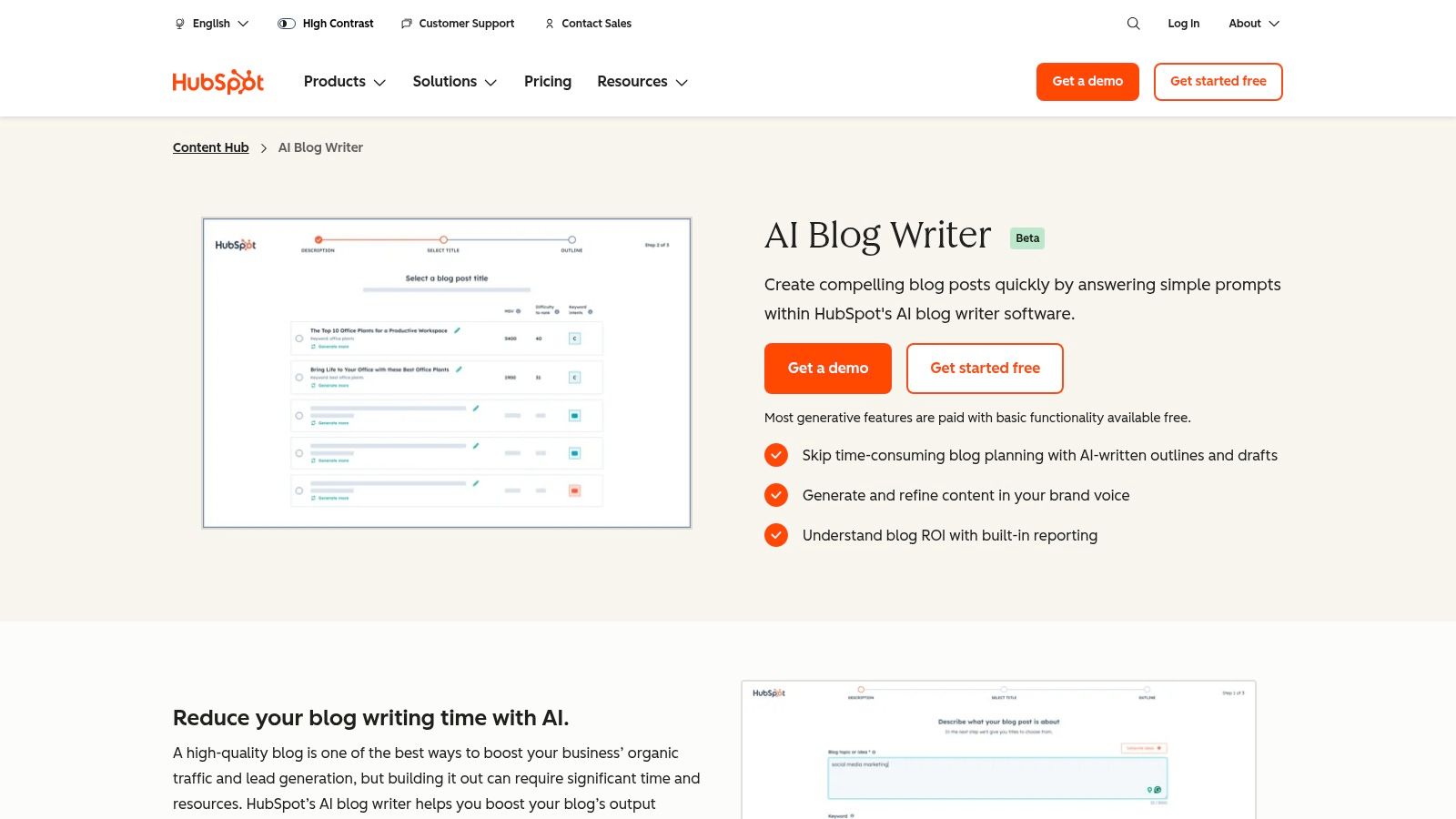
If your team already works in HubSpot, the HubSpot AI Blog Writer deserves consideration before you add another writing subscription. Its appeal is the connection between drafting, content management, and marketing workflows, rather than text generation alone.
Basic free access offers a starting point, while some advanced generative capabilities require a paid plan. Free writing access doesn't mean every surrounding marketing feature is free.
HubSpot's survey found that 47% of marketing and advertising professionals surveyed used AI to create blog posts, articles, and other long-form content, according to its State of AI report. That supports evaluating the whole workflow, not just whether a tool can produce an introduction.
- Best use: Build an outline or draft within an environment your marketing team already understands.
- Main friction: Plan boundaries can separate basic writing from the advanced capabilities you want.
- Editorial requirement: Replace broad marketing language with product-specific evidence and customer-relevant explanations.
For a standalone blogger, the surrounding platform may be more than necessary. For an existing HubSpot team, avoiding another handoff may be the stronger benefit.
Test a draft through your actual review and publishing process before deciding that platform consolidation saves work.
4. Rytr
Rytr works best when you need help with a defined writing task rather than an open-ended research conversation. Its templates give you a starting structure for blog ideas, outlines, and individual sections.
The important free-plan distinction is character-based usage. Don't treat a character allowance as a word allowance or assume it translates neatly into a predictable number of finished articles. Draft length, generation choices, and the revisions you need determine how useful that allowance becomes.
Spend generation on difficult passages
A sensible Rytr workflow starts with a human-written outline. Generate the section you're struggling to explain, then edit it locally instead of repeatedly requesting a replacement article.
For example, a merchant writing about abandoned-cart recovery might need help explaining segmentation clearly. Rytr can assist with that passage while the merchant supplies the actual campaign logic and business constraints.
The limitation is depth. Templates provide structure, but they don't supply proprietary knowledge, original reporting, or verified software details. An article assembled from independently generated sections can also repeat definitions and change tone midway through.
Choose Rytr for light, template-driven assistance and short passages. It's less convincing as your only tool for a source-heavy software comparison, where accurate distinctions matter more than filling the page.
5. Simplified AI Writer
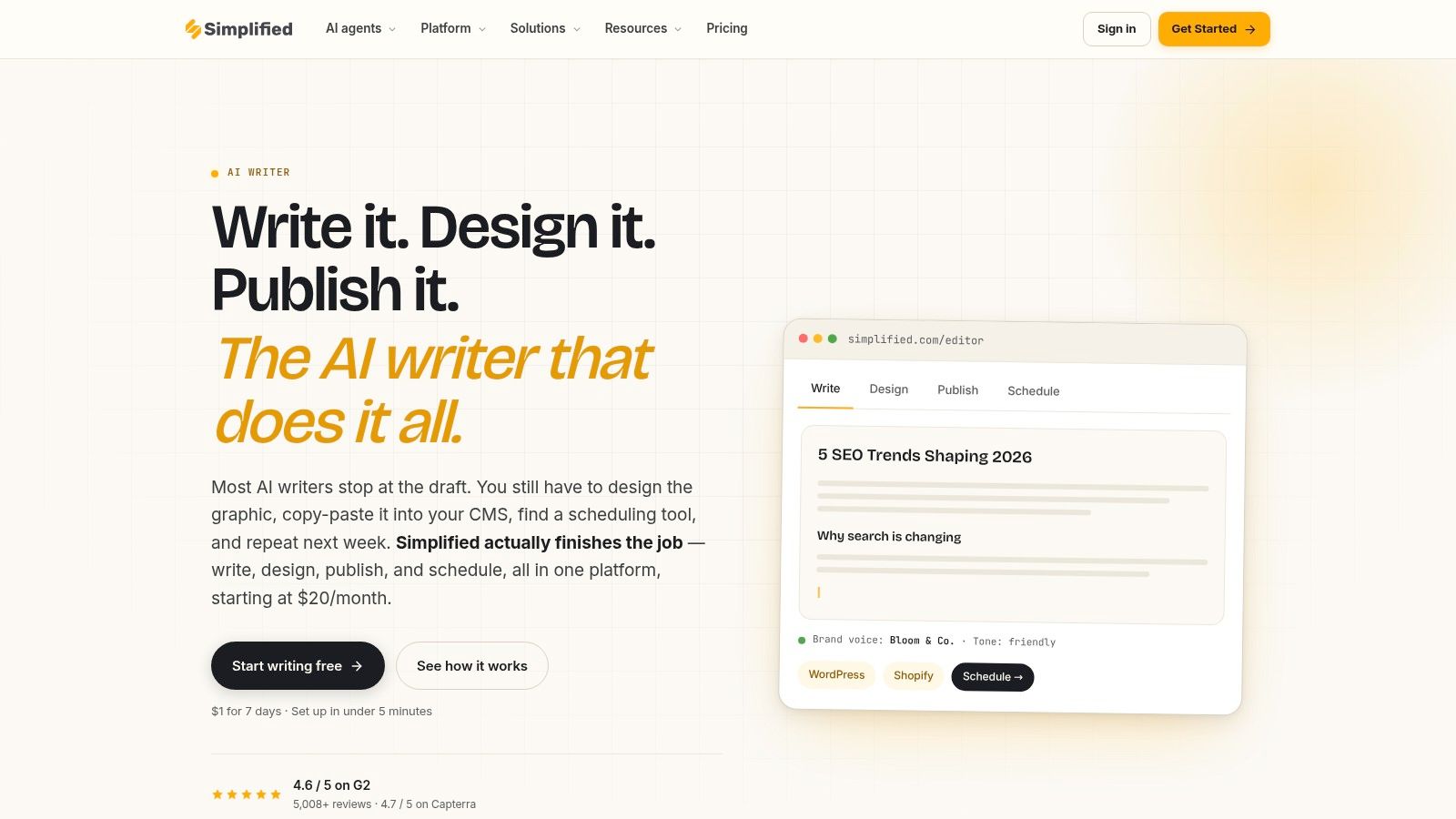
A blog post rarely remains just a blog post for a small marketing team. It becomes a social caption, a campaign graphic, and a promotional summary, which is where Simplified AI Writer becomes relevant.
Its writing templates and document editor sit alongside design and social content workflows. That makes it a candidate for marketers who want to develop related assets without constantly changing tools.
The free generation allowance is limited, and access to general writing templates shouldn't be confused with access to the dedicated Blog Wizard. Check the available workflow inside your account before planning a long-form assignment around it.
- What to finish: A working outline, an introduction, or promotional copy derived from an approved article.
- Where to conserve usage: Avoid generating alternate full drafts when you only need a stronger opening.
- What remains manual: Research, source verification, original examples, and final editorial judgment.
The trade-off is breadth. A marketer producing articles and visual assets may value the connected environment; a writer who only needs long-form drafting may find the surrounding features unnecessary.
I'd use Simplified to support a mixed-content campaign before choosing it as the sole engine for a research-heavy publishing calendar.
6. Canva Magic Write
Canva Magic Write is most useful when the destination of your copy is partly visual. It can help generate ideas, outlines, headlines, and draft text within Canva's document and design environment.
For a marketer already building graphics in Canva, that proximity is practical. You can develop an article summary and adapt its central message into supporting content without starting from an unrelated blank document.
Better for connected assets than deep research
Free access is query-limited, so treat each request as a defined assignment. Supply the approved message, intended audience, and desired format rather than asking vaguely for better content.
Use Magic Write to adapt an argument you've verified, not to invent the evidence behind it.
For example, take an approved guide to choosing customer-support software and request concise copy explaining its selection criteria. Review the result before placing it into a carousel or presentation.
The limitation is that Canva isn't a complete research or editorial verification system. It doesn't remove the need to inspect product documentation, confirm claims, or manage publication approvals.
Choose Magic Write when design and writing overlap in your workflow. If your main challenge is building a detailed, source-grounded article, start in a drafting environment and bring approved material into Canva afterward.
7. Grammarly AI Writer
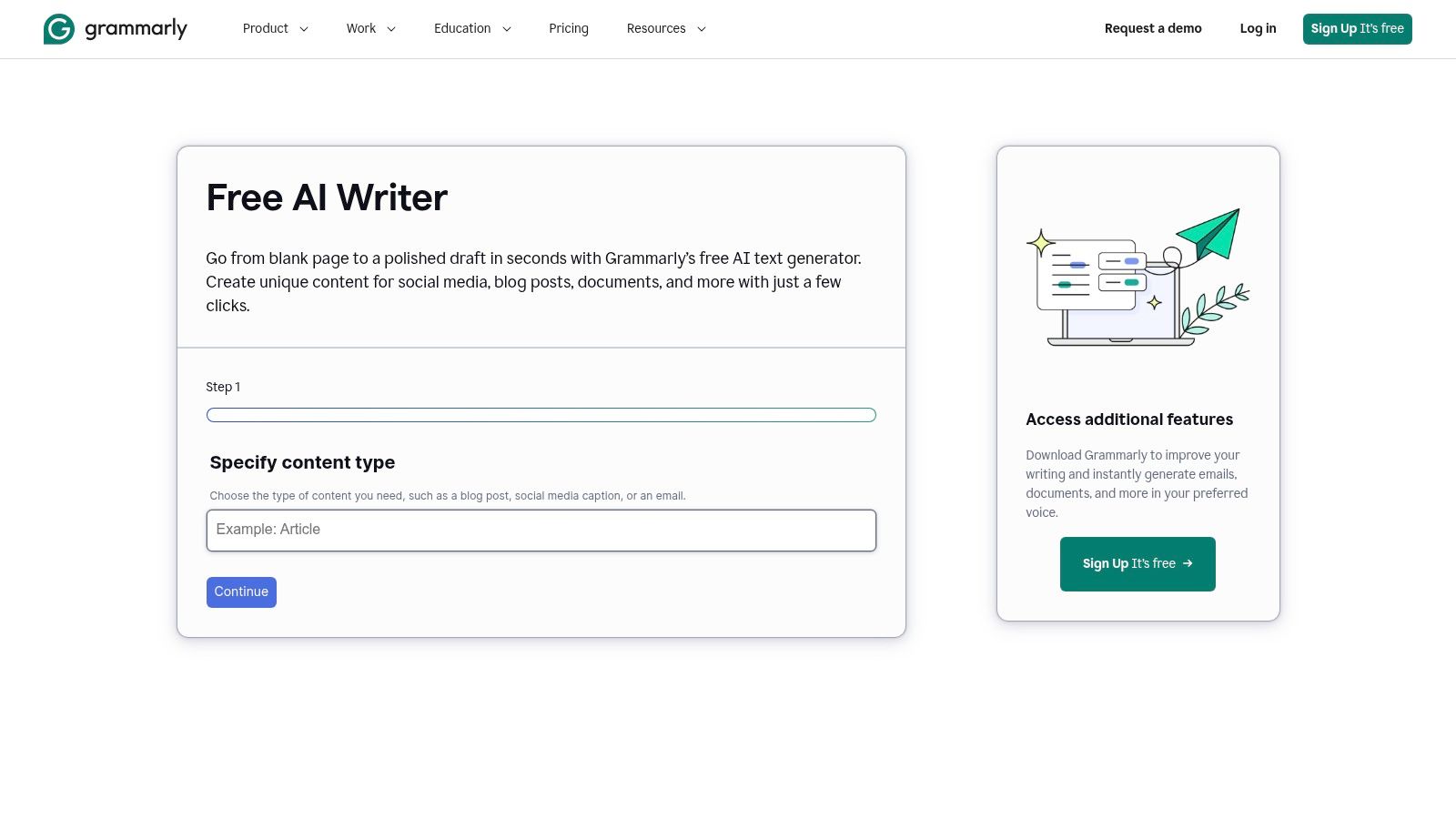
The strongest reason to choose Grammarly AI Writer is that you need a starting draft and expect to spend meaningful time improving it. Its web-based writer accepts topic details and tone guidance, while Grammarly's broader writing tools support clarity and proofreading.
A free starting point is available, but generation access and editing entitlements aren't necessarily identical. Don't assume that opening the free writer gives you unrestricted access to every revision feature.
For founders, the useful input is a plain-language explanation of the problem their software solves. Ask for an organized article, then inspect whether the revision preserves the distinctions customers need.
- Good fit: Turning rough explanations into more readable prose.
- Weak fit: Replacing keyword research, expert analysis, or a publishing system.
- Review priority: Check that cleaner wording hasn't removed qualifications or changed technical meaning.
For educational workflows, our guide to AI tools for students provides related options beyond blog production.
Grammarly can help make a sentence easier to understand. It can't establish that a product comparison is correct. Keep readability review separate from factual approval, especially when the draft discusses integrations, security, or pricing.
8. Ahrefs Free AI Writing Tools
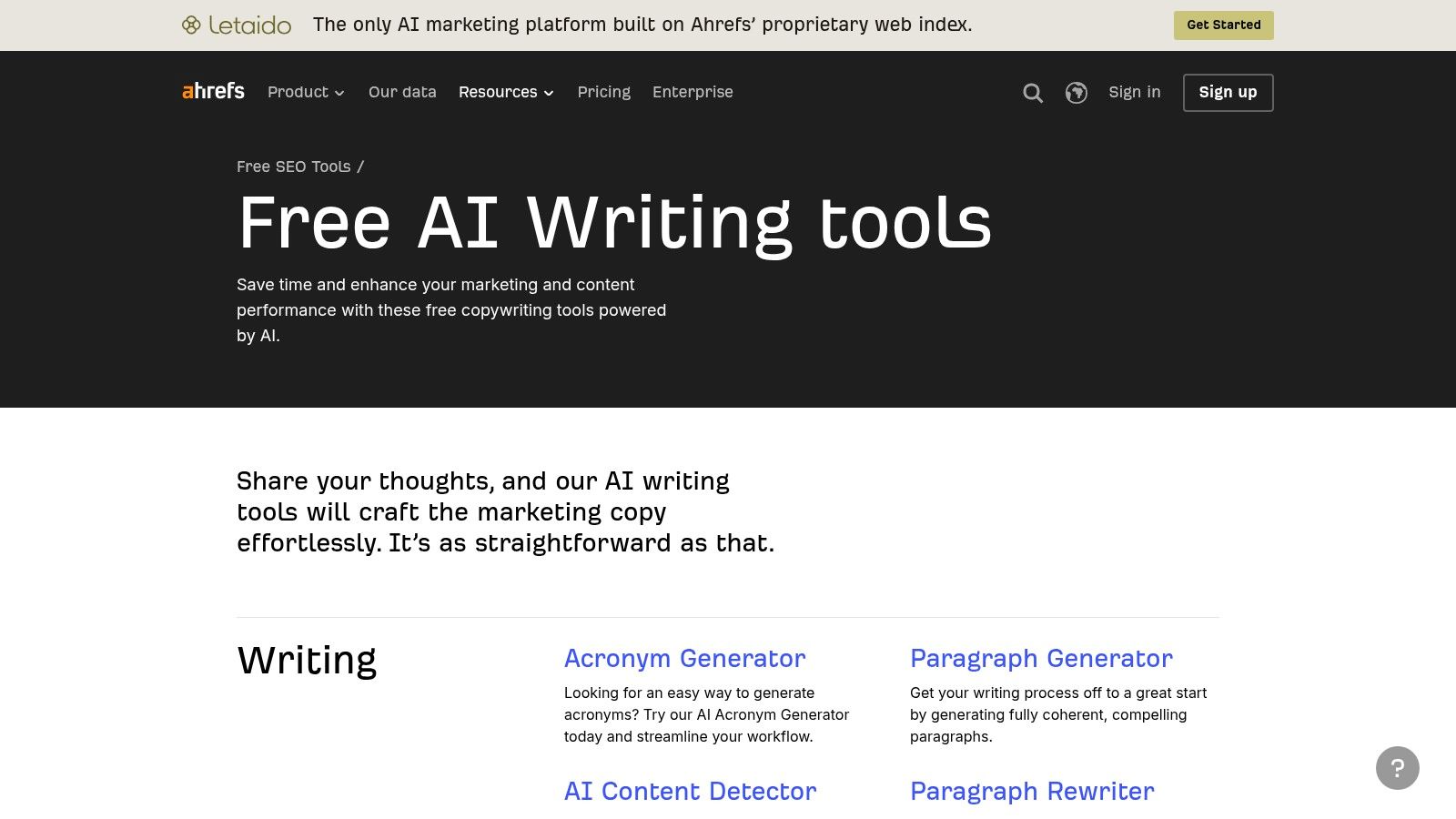
Ahrefs Free AI Writing Tools are better understood as a collection of supporting utilities than a complete article-production workspace. Blog outlines, title ideas, and meta descriptions are useful outputs, but they aren't interchangeable with a finished post.
This narrower scope can be an advantage. If your drafting process already works, you don't need to replace it just to improve an outline or develop alternative search snippets.
Keep the assignment narrow
Use the outline generator to challenge your proposed structure. Compare its suggestions against the questions your customers ask, then reject headings that add length without adding useful answers.
Ahrefs also offers limited free access to its AI Content Helper. Don't confuse access to standalone generators with unrestricted access to the wider SEO platform.
For a broader view of supporting software, our comparison of AI search optimization tools helps distinguish writing assistance from search-focused capabilities.
The limitation is fragmentation: you'll still need somewhere to draft, maintain sources, edit, and publish. That's acceptable when you're deliberately assembling a lightweight workflow.
Choose Ahrefs for specific SEO-adjacent tasks. Don't choose it expecting the free writing utilities to manage an entire source-grounded article from brief to publication.
9. GravityWrite
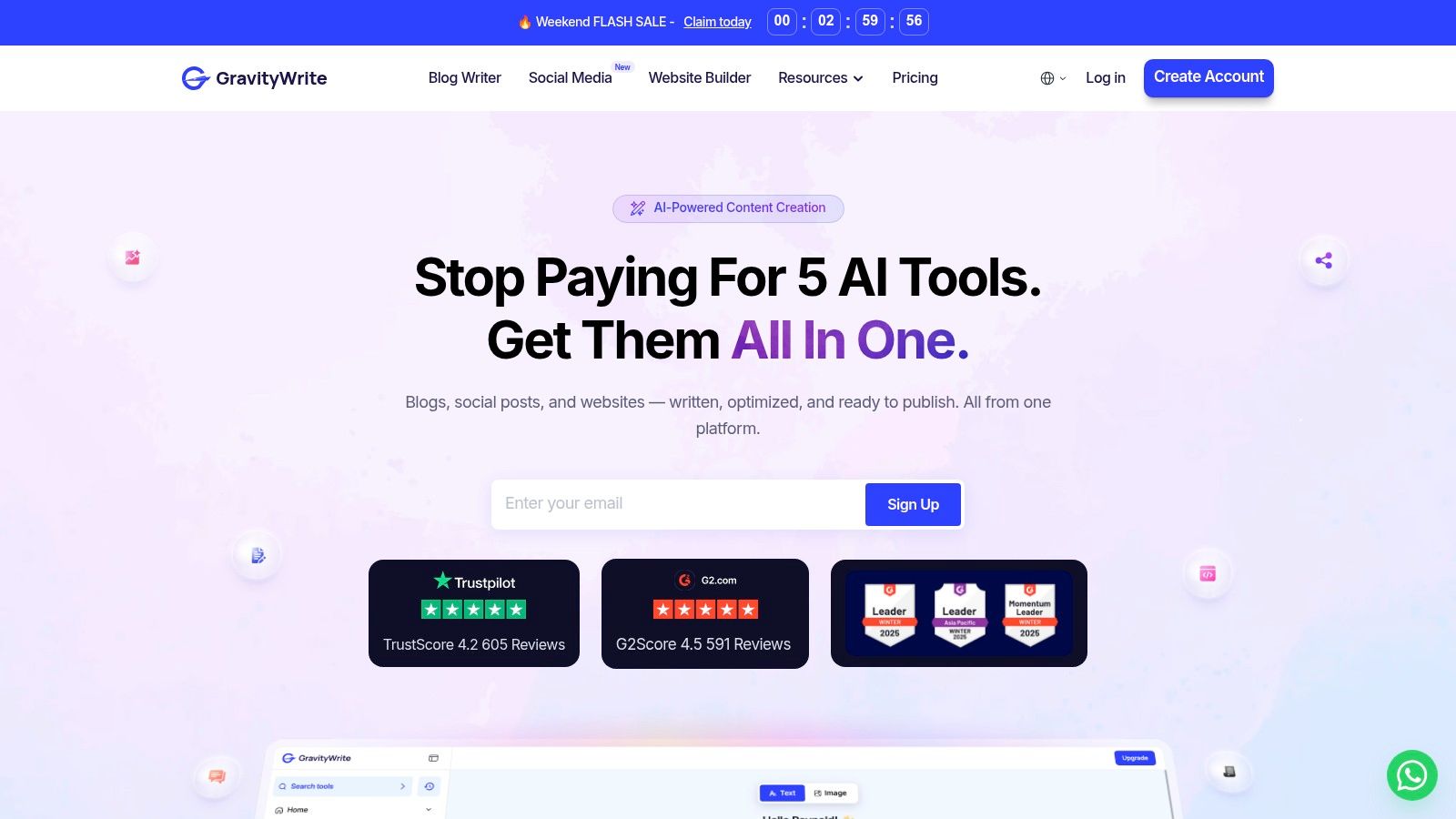
Starting with an outline is the most useful reason to consider GravityWrite. Its blog-oriented workflow lets you guide the sections before generating article copy, which gives you more structural control than a bare topic prompt.
That control matters for software content. An outline can explicitly separate setup requirements, everyday use, integrations, and limitations rather than allowing the generator to substitute broad benefits.
Free access is constrained, and credit-based plan allowances and word-based generator allowances shouldn't be treated as equivalent. Confirm which limit applies to the workflow you're using before committing a lengthy brief.
- Before generation: Finalize the audience, outline, and approved product details.
- After generation: Remove repetition and check whether every section delivers on its heading.
- Before another attempt: Decide whether a targeted manual edit would solve the problem more efficiently.
The risk is overvaluing a complete-looking article. Headings and fluent transitions can make thin explanations look finished even when the draft lacks evidence or practical detail.
GravityWrite suits writers who prefer a guided, template-driven process. It won't eliminate the need for source verification, and its free access is better treated as a workflow test than a promise of ongoing publishing capacity.
10. Google Gemini
Google Gemini is a flexible option for brainstorming, drafting, and revision, with Canvas offering a document-oriented space for developing text. It's a general-purpose assistant rather than a specialist blog platform.
The strongest workflow is iterative. Supply the brief and approved material, develop an outline, then revise the article around specific editorial goals such as removing repetition or clarifying an implementation step.
Separate drafting from verification
Access and usage limits can vary by account, location, and plan. Don't assume free access includes every related workspace integration or an unlimited revision session.
A source-grounded prompt helps: provide approved documentation and tell Gemini to mark missing information rather than complete gaps with plausible details. Then verify the output yourself.
Academic analysis in Natural Language Engineering describes the foundational reliability problem with language generation: fluent text isn't necessarily connected reliably to truth. That distinction should shape how you use any conversational writer.
Gemini suits writers who want flexible drafting and document revision without adopting a dedicated content platform. Keep an independent copy of approved text, track unresolved claims, and judge the tool by editing effort rather than the confidence of its prose.
11. Wordtune

Sometimes the best free writing tool is the one you use after drafting. Wordtune focuses on rewriting, refining, and summarizing existing material, making it a better candidate for awkward passages than for building a complete article from nothing.
Its free plan is intended for occasional assistance and includes usage limits. Reserve it for sentences that need attention instead of sending every paragraph through a rewrite.
Editing caution: A smoother sentence isn't an improvement if it changes what you can honestly claim.
That matters in SaaS comparisons. Replacing a qualified statement about a supported integration with a broad promise of compatibility can make the prose cleaner while making the article less accurate.
- Best use: Tighten repetitive wording, simplify tangled sentences, and compare alternative phrasing.
- Main limitation: It doesn't replace research, article planning, or publishing.
- Final check: Preserve conditions, exceptions, technical terminology, and attribution.
Summaries also need review against the original material. A concise version can omit the limitation that made the original statement accurate.
Choose Wordtune when you already have the substance and need selective polish. If the draft lacks useful examples or an argument, rewriting its sentences won't solve the underlying problem.
Free AI blog writing tools compared
| Free plan allowance | Best for | Blog workflow fit | Main limitation |
|---|---|---|---|
| Free access available; specific allowance not stated | SEO-focused content creation | Creates long-form articles, supports keyword research, and publishes to platforms such as WordPress | Free usage limits are unclear |
| Core writing tools and web search, subject to usage limits | Flexible brainstorming, drafting, and editing | Supports conversational outlining, drafting, and revision | Requires careful prompting and fact-checking |
| Basic features available free; advanced generation may require a paid plan | Teams already using HubSpot | Connects writing with content management, reporting, and CRM workflows | Some advanced writing features are paid |
| 10,000 characters per month | Light writing and short blog sections | Templates help create ideas, outlines, and draft passages | Character limit can constrain long articles |
| Limited free generation; listed allowance is 1,000 words monthly | Marketers creating blogs and other content | Templates and a document editor support drafting alongside design and social workflows | Blog Wizard may not be free |
| Limited free use; Canva lists 25 queries | Canva users creating visual and social content | Drafts copy in Canva Docs for use in designs | Limited editorial research and SEO support |
| Free AI Writer available; prompt allowances vary by plan | Quick drafts and proofreading | Generates a starting draft and supports readability edits | Not a dedicated SEO or publishing platform |
| Free standalone writing tools; AI Content Helper limited to one document monthly | SEO planning and supporting copy | Generates outlines, titles, and meta descriptions to complement drafting elsewhere | Less suited to producing a complete article |
| Free plan lists 50 monthly credits; free blog tool advertises 1,000 words | Users who want an outline-led blog draft | Turns a topic and outline into a structured article | Allowance varies by tool and should be confirmed |
| Access and limits vary by account, location, and plan | General brainstorming and drafting | Canvas supports iterative drafting and document editing | Not a specialized blog or SEO platform |
| Free plan for occasional use, with daily suggestions and three monthly summaries | Revising and polishing existing drafts | Helps refine phrasing and summarize text | Less suited to writing complete posts from scratch |
Pick One Tool, Run a Real Post Through It
The best free AI blog writer is the one that helps you complete your next article with an acceptable editing burden. A large allowance isn't valuable if the result needs extensive reconstruction, and a small allowance can be enough when you only need help with a difficult section.
Choose a generalist such as ChatGPT or Gemini when you want flexible brainstorming, drafting, and revision. Choose Rytr or GravityWrite when you prefer templates and a more guided blog-writing process. Use Grammarly or Wordtune when the substance already exists and your bottleneck is clarity.
Ahrefs fits supporting SEO tasks, while Canva and Simplified make more sense when written and visual content overlap. HubSpot deserves attention from teams already using its marketing environment; Outrank is relevant when you're evaluating a broader SEO content workflow.
Measure completion, not generation
Run your preferred option through a real assignment with a defined audience, approved sources, and a publication destination. Record where access becomes restricted, which features require an upgrade, and how much manual work remains.
- Draft usefulness: Can you retain the structure and explanations?
- Factual reliability: Which statements need correction or supporting evidence?
- Editing burden: Are you polishing useful material or rebuilding generic copy?
- Workflow continuity: Can you save, revise, and transfer the draft without losing work?
Keep citation checking separate from citation presence. Measurement research published through ACM found that 11.0% of analyzed atomic claims in Google AI Overviews were unsupported by the cited pages. That finding concerns AI Overviews, not these writing tools, but it demonstrates why a displayed link isn't sufficient verification.
For SEO, focus on usefulness rather than authorship shortcuts. Google's guidance on generative AI content accepts valuable AI-assisted work while warning that generating many pages without added value may constitute scaled content abuse.
A successful free workflow ends with a reviewed article, not merely generated text. If you repeatedly hit limits before review is complete, compare paid options against the specific obstacle rather than buying a larger allowance by default.
At The SaaS Hub, we've evaluated over 1,000 apps and publish ongoing research, comparisons, and practical guides. Start by testing your preferred writer on an article you plan to publish, then explore our curated listings and resources to compare the research, editing, and publishing tools needed to complete your software stack.