
AI Tools for Students in 2026: Use Cases That Work
Discover the best AI tools for students, organized by study task, with honest limits, pricing notes, and guidance on using them responsibly in coursework.
By Yuvraj Kewate · 2026-11-01
A dense chapter is due for a quiz tomorrow. Your textbook, lecture notes, and an AI chat window are open, but you still need to decide what to tackle first. Start with the task: understand a difficult idea, practise a method, find credible sources, review material, or polish your own writing. The right tool depends on the work in front of you, not its popularity.
AI tools can support learning, but they can also make mistakes or do too much of the work. A chatbot may explain a concept clearly while getting a detail wrong. A flashcard app can turn notes into study prompts, but errors in the source material can carry through to the cards. Student use of AI is widespread, so judge a tool by whether it helps you learn, not just by how often students use it.
The tools below are organized by study task. Each has a practical use, a trade-off, and a boundary for responsible academic use. Check your course rules before using AI on graded work, and verify generated answers against reliable materials.
Table of Contents
- 1. Zenfox.ai
- 2. ChatGPT
- 3. Gemini
- 4. Gemini Notebook, formerly NotebookLM
- 5. Khanmigo
- 6. Quizlet
- 7. Wolfram|Alpha
- 8. Perplexity
- 9. Elicit
- 10. Grammarly
- How the leading AI study tools compare on best use, free access, paid entry point, and main caution
- Use the Tool, Keep the Thinking
1. Zenfox.ai
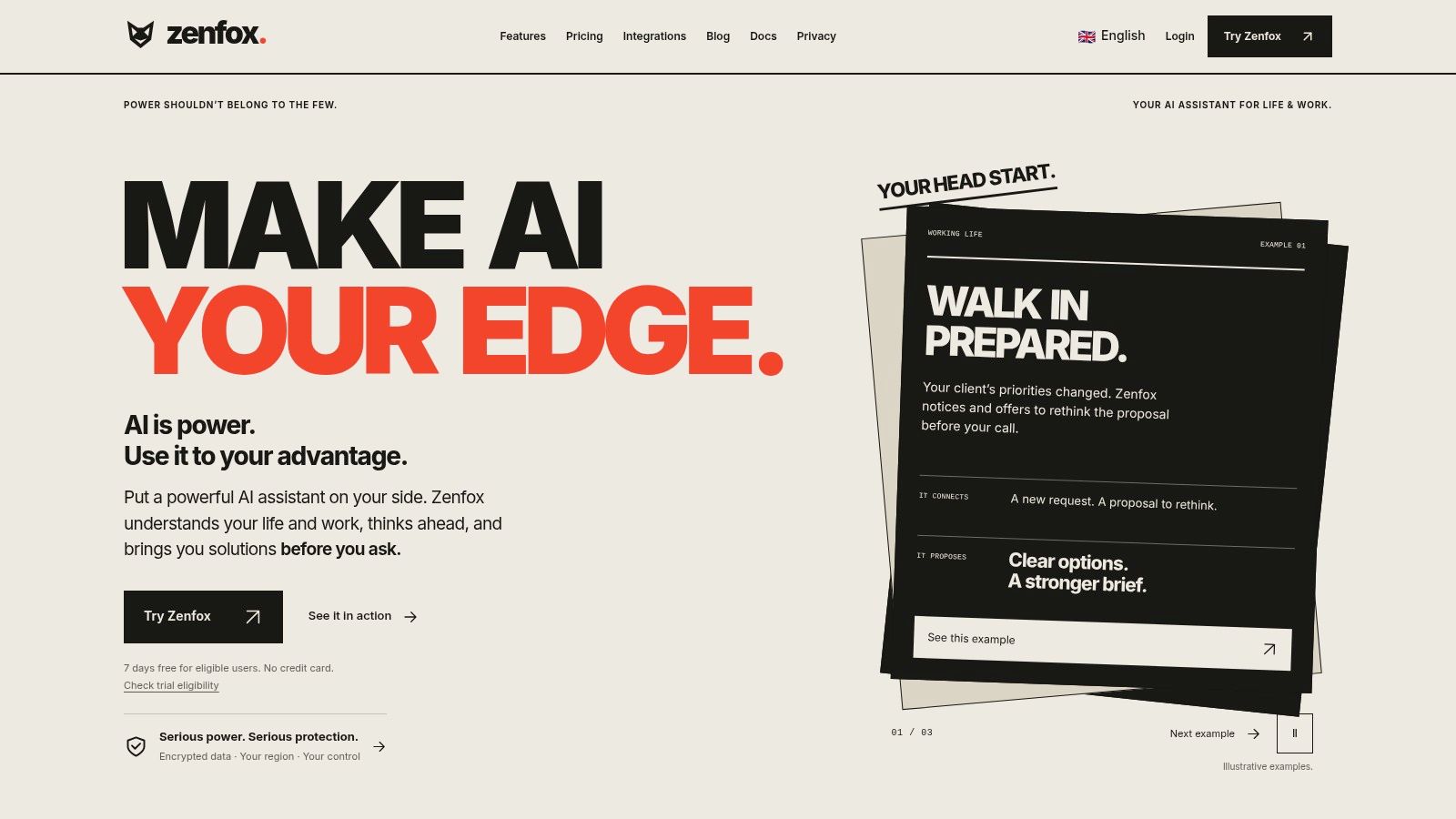
A group project has research notes in shared documents, tasks in a project app, and decisions scattered across messages. Zenfox.ai is built for coordinating that kind of work: it can search connected information and help carry out multi-step tasks across apps. It is an automation assistant, not a subject tutor, so it suits research coordination and project organization better than guided practice on a biology concept.
Its value is reducing the time spent switching between services. Students can use it to retrieve project material, organize notes, track tasks, or prepare a briefing from documents they're authorized to access. The trade-off is that automation can act on incomplete or irrelevant context, so check its findings and review any action before it changes records or sends messages.
Where automation helps, and where it should stop
Set access carefully, and give the assistant a specific, bounded task. A generated research briefing can help you locate material, but read the original sources before relying on it or using its content in coursework. Keep academic decisions and submitted work under your control.
Practical rule: Let automation organize and retrieve information. Check what it found and review what it did.
Zenfox is a stronger fit for coursework that spans multiple apps than for solving a calculus problem or polishing an essay sentence. For those tasks, choose a tool designed for practice or writing. If you need help coordinating project information and routine steps, explore Zenfox's AI assistant for students while keeping permissions and course rules in view.
2. ChatGPT
When a lecture explanation didn't click, ChatGPT can help you approach the concept from another angle. Its Study Mode is designed to guide problem-solving with questions, step-by-step explanations, and checks for understanding. You can also work with uploaded class materials, ask for practice questions, or request a study plan that breaks a broad topic into manageable parts.
The useful move is to ask for a hint before asking for a solution. For example, share the equation you're stuck on and ask what principle applies, then try the next step yourself. You can follow up when you hit a specific obstacle, which is more instructive than copying a complete worked answer.
Keep it in tutor mode
Study Mode is available on the free plan, but it can still give direct answers when you need it to keep prompting you instead. ChatGPT can also produce plausible but incorrect explanations, so compare technical details with course materials and ask your instructor for important decisions. It shouldn't replace the assigned reading or your own attempt.
If you need to preserve a conversation for later review, consider how the app's history and archive options fit into your workflow. SaaSOri's guide to AI chatbot conversations and archive insights explores that side of using chat tools. For learning, the boundary is simple: use ChatGPT to get unstuck and test your understanding, not to generate work you're expected to produce yourself.
3. Gemini
Gemini is useful when you want to explore a topic through a conversation and build study aids along the way. Its learning-oriented features include Guided Learning and study notebooks, with options for interactive explanations, quizzes, flashcards, and visual support. That combination can suit a student who wants to move from a broad question, such as how a biological process works, to a more focused review of the stages.
If you already use Google services, Gemini may fit naturally into the way you manage course materials and projects. A notebook can help keep learning goals and study content organized rather than scattered across chat histories. Still, an organized workspace doesn't guarantee a correct explanation. Check definitions, examples, and technical claims against lecture notes, assigned readings, or a trusted reference.
Check what your account can access
The available features may vary depending on account type, age, location, and Google's rollout. Don't build an assignment workflow around a feature until you've confirmed it's available to you. And while asking follow-up questions can make an explanation more useful, keep asking for the reasoning, not just a polished answer.
Gemini is a flexible general assistant with learning-focused functions, not a replacement for a dedicated course platform or instructor. Use it to explore and organize a topic, then verify what you plan to rely on. Students who need source-grounded review of a specific set of readings may prefer a notebook tool built around materials they select.
4. Gemini Notebook, formerly NotebookLM
For reviewing assigned readings, lecture recordings, and your own notes, Gemini Notebook is designed to work with a selected collection of sources. Add materials to a notebook, ask questions about them, and use the responses to locate relevant information in longer documents. Keeping materials grouped by class or project makes it easier to return to the same defined set rather than starting from scratch each time.
The quality of the result depends on what you add. If your notebook contains incomplete notes or an out-of-date draft, the answer may reflect those gaps. Source-grounded answers are easier to check than unsupported chat responses, but interpretations can still be wrong or oversimplified. Open the relevant passage and confirm that it supports the summary.
Keep the source set deliberate
Create separate notebooks for courses or projects, and give each one materials you have permission to use. Ask for a summary of a particular reading or for the passages relevant to a question, then check those passages yourself. For a guide to why AI systems rely on organized information, see SaaSOri's explanation of knowledge bases in artificial intelligence.
Gemini Notebook is a strong choice for reviewing a defined body of course material, not for discovering everything there is to know about a subject. It can help you make sense of what you've collected; it can't make missing readings appear or decide whether an author's argument is persuasive. Access and usage limits may also depend on your plan.
5. Khanmigo
A student stuck on an algebra step can ask Khanmigo for a hint, try the next step, and get feedback on the reasoning. Built around Khan Academy content, it guides practice in subjects the platform covers and supports writing, debate, and coding activities. Its tutor-style prompts make it a practical option when an open-ended chatbot gives too much of the answer.
Be precise about where you're stuck: “I understand how to isolate the variable, but I don't see why this step is valid.” Then work through the next step yourself and ask for feedback. The same approach suits coding concepts and writing exercises: use the response to examine your reasoning, not to produce work you submit unchanged.
Let the tutor respond to your attempt, not replace the attempt.
Khanmigo's coverage is tied to Khan Academy's materials. If your topic is not well represented there, your course resources or a general assistant may be a better fit. For writing tasks, follow your school's AI rules and keep feedback separate from submitting AI-generated drafts.
Khanmigo is a paid subscription, so compare its current individual and family plans on the official site before committing to regular use, and confirm they are offered in your country. Consider whether you'll use guided practice often enough to justify the cost.
6. Quizlet
Quizlet is built for reviewing and testing recall. Its AI features can turn notes, slides, or PDFs into study guides, flashcards, and practice tests, while its existing study modes let you work with cards in different ways. That makes it a practical option when you have a set of terms, dates, processes, or definitions to learn.
The key benefit is active recall: you try to retrieve an answer instead of rereading the same page and mistaking familiarity for mastery. Use generated cards as a draft. A card that asks you to define a term may be helpful, but a card that compresses a complicated argument into one oversimplified sentence can teach the wrong distinction.
Audit the deck before you rely on it
Check each card against your notes, especially where a course expects precise wording or exceptions. Look for missing context, ambiguous questions, and answers that combine two ideas that should be kept separate. Then edit the deck before using it for exam review.
Some Quizlet features are free, while advanced tools require a paid plan. Start with the format you'll use, rather than paying for features before you know whether they fit your study habits. Quizlet helps you practise material you already have; it doesn't establish whether that material is complete or accurate. For concept-heavy work, pair it with course readings or a tutor that can explain why an answer is right.
7. Wolfram|Alpha
For quantitative coursework, Wolfram|Alpha can calculate answers and produce visual results across mathematics, science, and related subjects. It's most useful when you need to check a computation, explore a function, or see what happens when you change an input. Student Pro adds step-by-step solutions and practice problems with hints, which can help you inspect the method rather than only the result.
The boundary is important: a correct output doesn't prove that you understand how to get there. Work through the problem yourself first, use the tool to check a step or result, and compare the method with the one taught in class. If the answer differs, find the point where your setup changed instead of replacing your work with the tool's result.
Use it to inspect the method
Step-by-step help requires a paid plan, and Wolfram|Alpha isn't a general tutor for literature, history, or every other subject. For math and technical work, however, its computational and visual capabilities can be more appropriate than asking a broad chatbot to perform a calculation. Ask whether your instructor permits computational tools for the assignment, and make sure your submitted reasoning is your own.
8. Perplexity
Perplexity is suited to the early stages of research: exploring a question, finding web pages to investigate, and following linked citations. Its answers can help you identify terminology, possible subtopics, or leads for a paper. Learn Mode is designed for student-oriented use, while file and image uploads are available on paid plans.
A cited answer is not automatically a sound answer. Open the linked page, check who published it, and confirm that it supports the claim. A source can be relevant to the topic but still be unsuitable for an academic paper, especially if it's a commentary, an outdated explainer, or a page that points to another source without providing evidence itself.
Research boundary: Use AI search to find the trail. Read and cite the sources, not the generated summary.
Perplexity's education offering is aimed at verified students and educators, and access to research features or models may be limited on the free plan. Treat the tool as a discovery layer rather than your final authority. Once you have promising sources, use your library catalogue, academic databases, and the original publications to build the evidence for your argument.
9. Elicit
Elicit focuses on academic literature. Students can use it to search for papers, summarize them, ask questions about full texts, and organize findings across a research topic. That makes it more suitable for mapping a scholarly conversation than for broad web research or everyday homework questions.
When comparing papers, ask what each one studied, what evidence it used, and what qualifications the authors make. Then read the relevant sections yourself. An AI summary can leave out limitations, differences in method, or a detail that changes how a finding should be interpreted. The summary is a navigation aid, not a replacement for the paper.
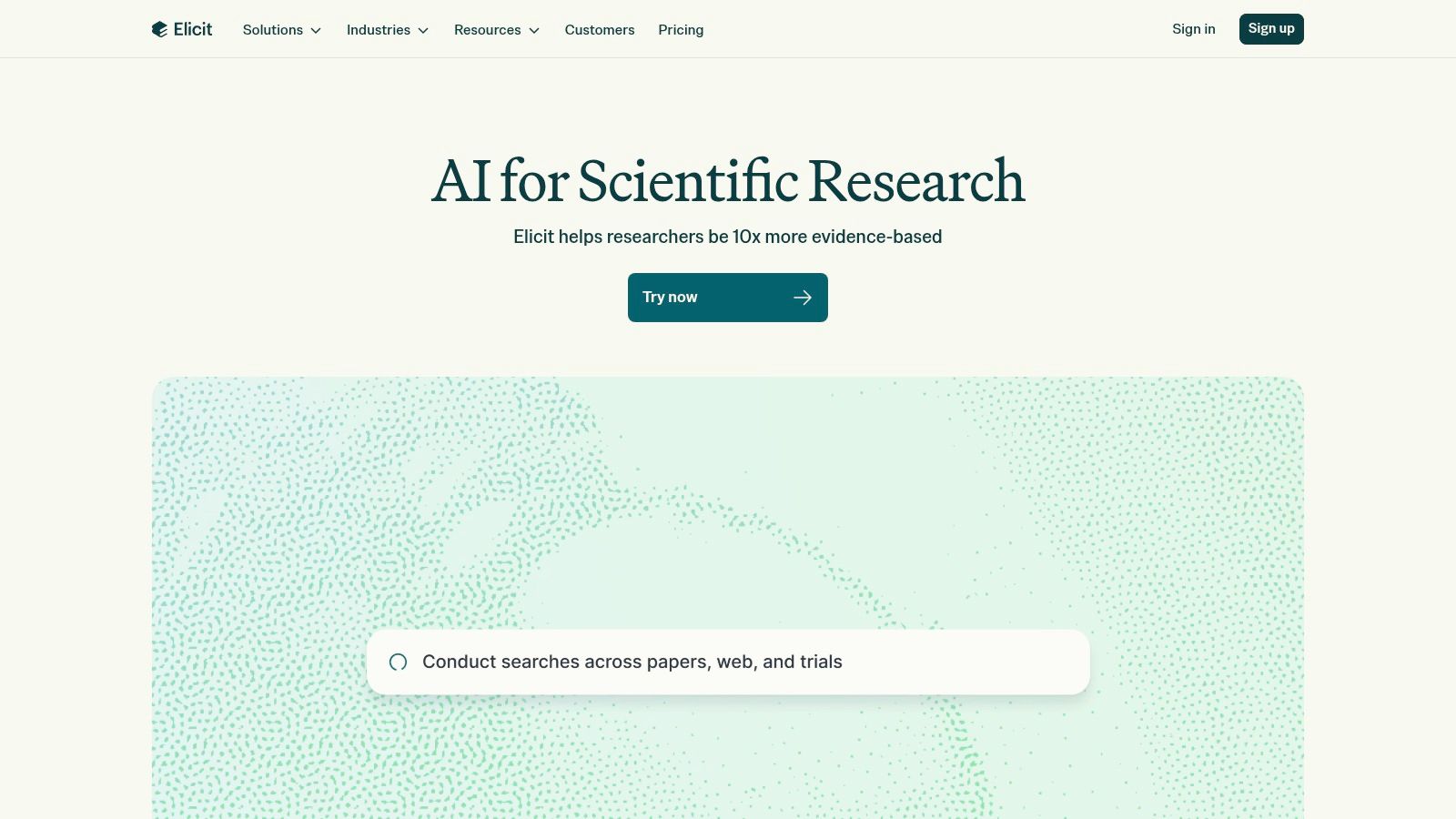
Elicit's Basic plan includes paper search and summaries, while advanced research functions may be limited or require a paid plan. Its coverage depends on what papers are available to the service, so a search that returns few results doesn't establish that the topic lacks research. Check your library's databases too, and import references into your citation workflow only after confirming the publication details.
Elicit is most valuable when you need to organize evidence across multiple papers. It won't decide which sources are credible or resolve conflicting findings for you. Keep a record of the original papers and cite those directly in your work.
10. Grammarly
Grammarly is best used late in the writing process, when you already have a draft and want to check grammar, spelling, clarity, or tone. Its suggestions can catch awkward sentences and routine errors, while paid features offer more extensive rewriting and AI prompts. Basic corrections are available on the free tier.
Read each suggested change before accepting it. An edit that sounds smoother can alter your meaning, flatten a technical distinction, or make your voice sound generic. Keep the original sentence if the revision changes what you're claiming. The same caution applies to tone and clarity feedback: Grammarly can point to a sentence that may confuse readers, but it can't decide whether your evidence supports your argument.
Keep authorship and policy in view
Use spelling and grammar suggestions as editing support, not as a way to generate an assignment you're expected to write. AI writing features may conflict with your course's academic-integrity rules, so check before using rewriting or text-generation functions. If you dictate a draft or notes, compare suitable speech-to-text options in SaaSOri's guide to the best speech-to-text software.
The free tier is enough for basic corrections; paid AI features aren't necessary for every student. Grammarly is a final-pass editor, not a source checker, subject tutor, or substitute for building an argument.
How the leading AI study tools compare on best use, free access, paid entry point, and main caution
Match the tool to the study task. The table compares each option's main use, free access, paid starting point where the section provides one, and the limitation to keep in view.
| Item | Best for | Free option | Paid entry point | Main caution |
|---|---|---|---|---|
| Zenfox.ai | Automating study workflows across connected apps | Free plan available | Paid tiers available; entry price not stated | Broad automation may take setup and review |
| ChatGPT | Explanations, practice, and study planning | Free plan with Study Mode | Paid plans available; entry price not stated | Can give incorrect or overconfident answers |
| Gemini | Guided learning and organizing study materials | Free experience available | Paid access available; entry price not stated | Features vary by account, age, and region |
| Gemini Notebook (formerly NotebookLM) | Reviewing and asking questions about selected sources | Free access may be available; limits vary | Paid features may be available; entry price not stated | Usefulness depends on the materials provided |
| Khanmigo | Guided tutoring tied to Khan Academy content | Free Khan Academy content; Khanmigo access is paid | $4/month or $44/year in the U.S. | Khanmigo access is limited to the U.S. |
| Quizlet | Flashcards, practice tests, and active recall | Some features available free | Paid plan required for advanced features; entry price not stated | Generated study content may contain errors |
| Wolfram|Alpha | Math and other quantitative coursework | Free computational features | Student Pro required for step-by-step help; entry price not stated | Not a general tutor for all subjects |
| Perplexity | Web research with linked sources | Free plan available | Education Pro and other paid plans; entry price not stated | Citations do not guarantee accuracy |
| Elicit | Searching and organizing academic research | Basic plan includes paper search and summaries | Paid plans for advanced features; entry price not stated | Summaries may omit important qualifications |
| Grammarly | Proofreading and improving draft clarity | Free basic writing corrections | Paid plans add rewriting and AI features; entry price not stated | Suggestions may change meaning or conflict with course rules |
The paid-entry column names the available tier or feature where the section gives one; it does not imply a price when no price is stated. Use the cautions to set a boundary for each task: check generated material, confirm sources, and retain responsibility for the work.
Use the Tool, Keep the Thinking
Choose a tool based on the study job in front of you. If you can't explain a concept, ask a tutor-style assistant for a different explanation and then restate it in your own words. If you need to remember terms or steps, use flashcards or practice questions and try to answer before revealing the solution. If you're researching, use search tools to find promising material, then read and cite the original sources. If you're editing, keep your draft and accept only suggestions that preserve your meaning.
That task-first approach prevents a common mistake: using one general chatbot for every academic problem. A tool that's good at locating sources may not teach a method well. A flashcard generator can help you practise definitions but won't tell you whether the underlying notes missed an important qualification. Pick a tool whose strengths match the work, and switch when the task changes.
Verification is part of using AI, not an optional final polish. Compare explanations with your course materials, inspect citations at their source, and check generated study aids against the notes they came from. For calculations, make sure you can explain the method without the tool. For writing, confirm that edits haven't changed your claim or crossed your course's boundary for outside assistance.
Access and privacy deserve attention too. Before uploading coursework, notes, or recordings, consider whether they contain personal or sensitive information and check the service's settings and your institution's guidance. A feature that isn't available on your account, in your region, or under your school's rules isn't a dependable part of your study plan. The best choice is the one that helps with a real task and that you can use appropriately.
Your school's AI policy should guide the boundary between permitted help and work you're expected to do independently. If the instructions are unclear, ask your instructor before using generative features on graded work. Students have different access to paid plans, reliable internet, and suitable devices, so don't assume that a premium tool is the only effective option. Course readings, library resources, office hours, and peer study still belong in the mix.
Try one tool on a single upcoming assignment this week. Write down the task you used it for, what it helped you understand or complete, and where you had to correct or verify its output. Keep using it only if it supports your learning without doing the thinking the assignment is meant to develop.