MSP Automation Software: 10 Platforms Compared for 2026
Compare the top MSP automation software platforms by features, pricing, integrations, and ideal use cases to pick the right fit for your managed services.
By Yuvraj Kewate · 2026-11-18
The most repeated advice about MSP automation software is to buy the platform with the deepest feature list and bend your processes around it. That advice produces expensive migrations and half-used modules. The platform that works is the one that fits the PSA your technicians already live in, the number of endpoints you manage, and the way your service desk is staffed. Everything else is a demo.
Buyers already know automation matters. A 2021 survey of 600 senior employees at managed service providers across nine countries found that leaders estimated only 39% of their manual processes had been automated, while another 41% could be. That gap is where stack decisions get made, one workflow at a time.
This comparison groups eleven platforms by the decision that determines cost and migration risk: standalone RMM, unified RMM plus PSA, and ecosystem-bundled suites. Each entry is judged against the same four criteria: pricing transparency, automation depth, integration fit with tools you already run, and whether you can trial it before signing. Every price below comes from vendor pages at the time of writing, so re-verify list prices, plan inclusions, add-ons and endpoint minimums with the vendor before you commit budget.
Table of Contents
- 1. Vight
- 2. NinjaOne
- 3. Atera
- 4. Syncro
- 5. SuperOps
- 6. N-able N-central
- 7. ConnectWise RMM
- 8. Datto RMM
- 9. ManageEngine MSP Central
- 10. Pulseway
- 11. Kaseya VSA
- MSP automation software platforms at a glance
- How to Run Your Own Evaluation and Pick With Confidence
1. Vight
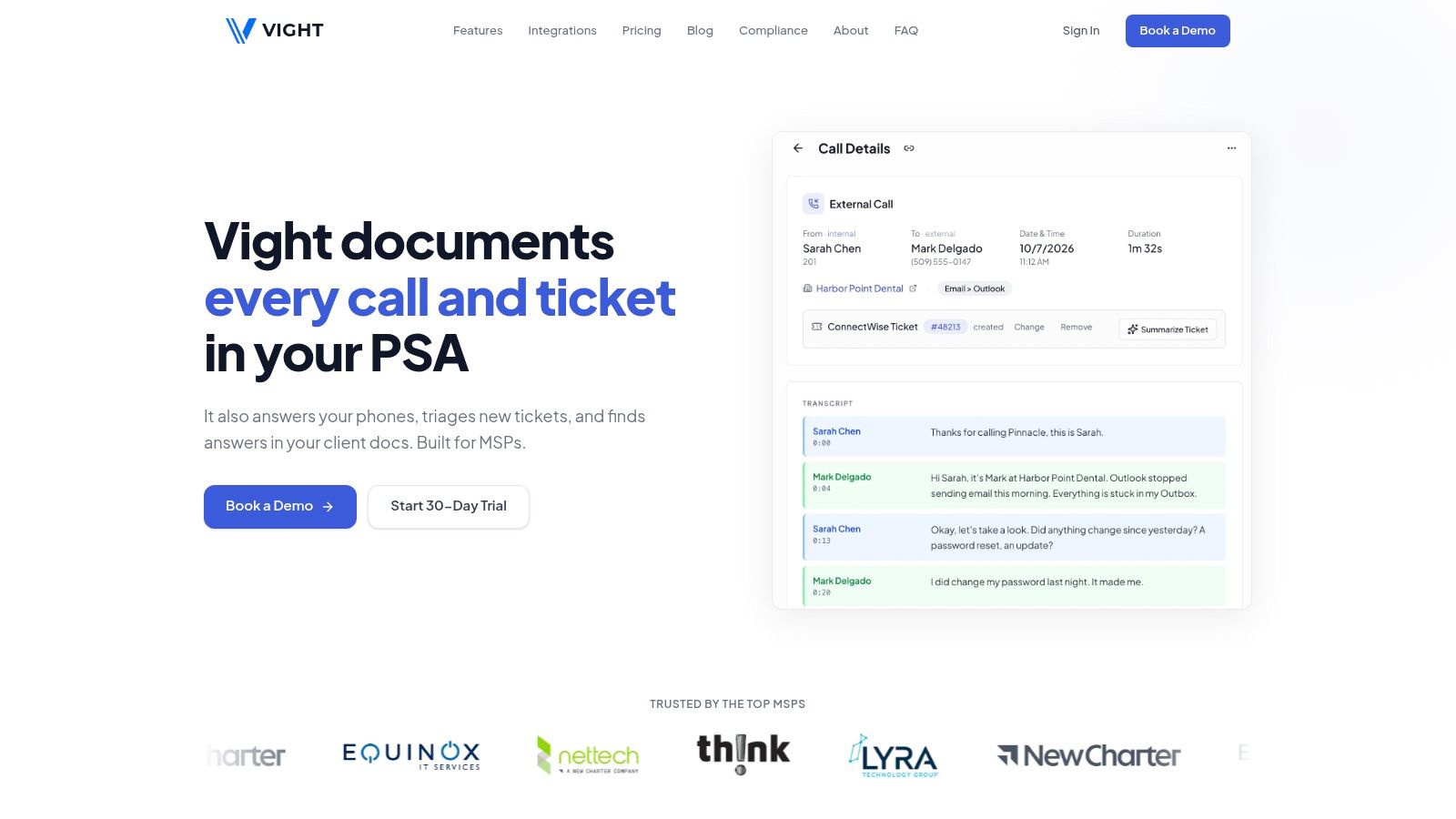
Vight targets the messiest input in the service desk: the phone call. It's an AI layer that connects your phone system, your PSA and your client documentation, then turns what happens across those systems into ticket records, triage decisions and retrievable knowledge. The vendor describes it as MSP automation software that supplements the PSA rather than replacing it, which is the right architecture for most providers. Swapping a PSA is a multi-quarter project. Adding a layer above one is an integration.
Call, ticket and documentation automation
- Call documentation: transcribes client conversations with speaker identification, summarizes the issue, troubleshooting steps and resolution, then posts structured notes and time entries to the PSA you already run.
- Ticket triage: requests missing information by email, records the client's reply and moves the ticket to a chosen ready-to-work status. Companion agents rewrite titles, categorize requests, merge duplicates, score sentiment and flag priority incidents.
- AI phone agent: covers business-hours intake and after-hours calls, captures caller details and urgency, opens tickets, and supports escalation and handoff to a human.
- Screen-based work capture: generates step-by-step work notes, time entries and draft knowledge-base articles from technician sessions. Screen capture and agent resolution are flagged as beta, so treat them as roadmap rather than procurement justification.
- Cited search: a conversational assistant searches calls, tickets, assets and documentation and returns source citations, which is what makes the output auditable.
Integration and commercials
Integrations cover ConnectWise, Autotask, HaloPSA and Syncro, multiple phone systems, Microsoft Teams, Slack, SharePoint, IT Glue and Hudu. Plans use monthly credit pools instead of per-seat licenses, with unlimited users, all agents and in-app support included; enterprise terms add custom volumes, service-level agreements and dedicated onboarding. The site states SOC 2 compliance, encryption at rest and in transit, separation of each MSP's data, and Microsoft or Google single sign-on.
Read the plan before the demo: credit pools reward a busy desk, not a headcount, so model your own call and ticket volume before you compare costs.
Vight is the right pick when your pain is documentation debt, unclear after-hours coverage and knowledge trapped in recordings. It won't patch a server, so budget for it as an addition to your RMM rather than a replacement.
2. NinjaOne
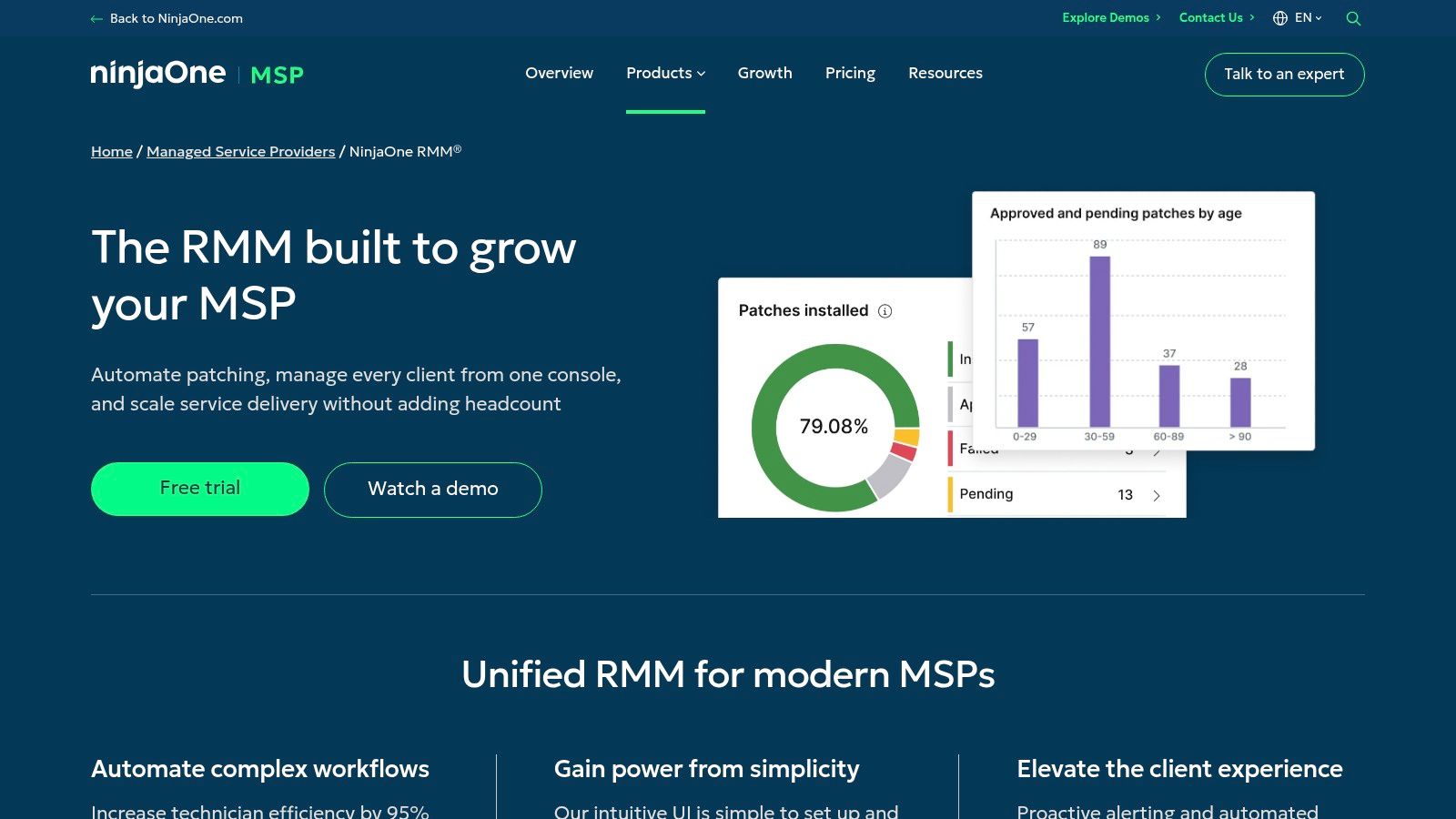
NinjaOne is the safe default for a provider that already runs a PSA it likes. It's RMM-first: monitoring, patching and scripting across Windows, macOS and Linux, with policies and automated remediation handling the repetitive endpoint work.
The demand for that automation is measurable. In the 2024 MSP Benchmark Survey, 60% of respondents ranked automation, including automatic ticket remediation, as the most important RMM feature, ahead of remote control at 55%. An RMM without credible auto-remediation is now hard to defend in a procurement conversation.
The trade-off you accept
You get a strong endpoint console and you keep ticketing, billing and project delivery in a separate product. That's fine when the PSA is already good. It's a problem when the goal is consolidating to cut tool count, because NinjaOne won't close that gap. Expect to keep the PSA integration healthy and assign someone to own it.
Pricing is quote-based and a free trial is available. Ask about endpoint minimums and per-device tiers before comparing totals, since a quote built around a small fleet rarely reflects list economics. If you're also choosing a workflow layer, this collection of workflow automation tools is worth scanning before you lock into an ecosystem.
3. Atera
Atera prices per technician, not per device, and that single fact should decide half your evaluation. MSP plans are listed from $129 per technician per month with annual billing for Pro, and a 30-day free trial is listed on the Atera MSP pricing page.
The model rewards density. If one technician covers 600 endpoints, per-technician pricing is cheap. If you run high-touch co-managed contracts with few devices per engineer, the same plan gets expensive quickly. Run the arithmetic on your own ratio before you read the feature list.
What you're buying
RMM and PSA in one cloud platform: monitoring, alerting, patching, scripting, ticketing and help desk workflows, plus AI Copilot features for tasks such as ticket summaries and script generation. Mobile apps and accounting integrations vary by plan, so check what your tier contains.
The honest limits are predictable. Per-technician pricing turns against you as you hire, and paid add-ons are plan-dependent, which means the quoted number and the operating number drift apart. Build the quote with the modules you'll run in month three, not month one. Trial availability is good, so use the 30 days to test patch failures and after-hours tickets rather than a scripted happy path.
4. Syncro
Syncro sits in the combined RMM+PSA camp, and it is unusually easy to price before a sales call. The Syncro pricing page lists Core at $129 per user per month billed annually ($159 monthly) and Team at $179 annually billed ($209 monthly), with unlimited endpoints included on the listed MSP plans.
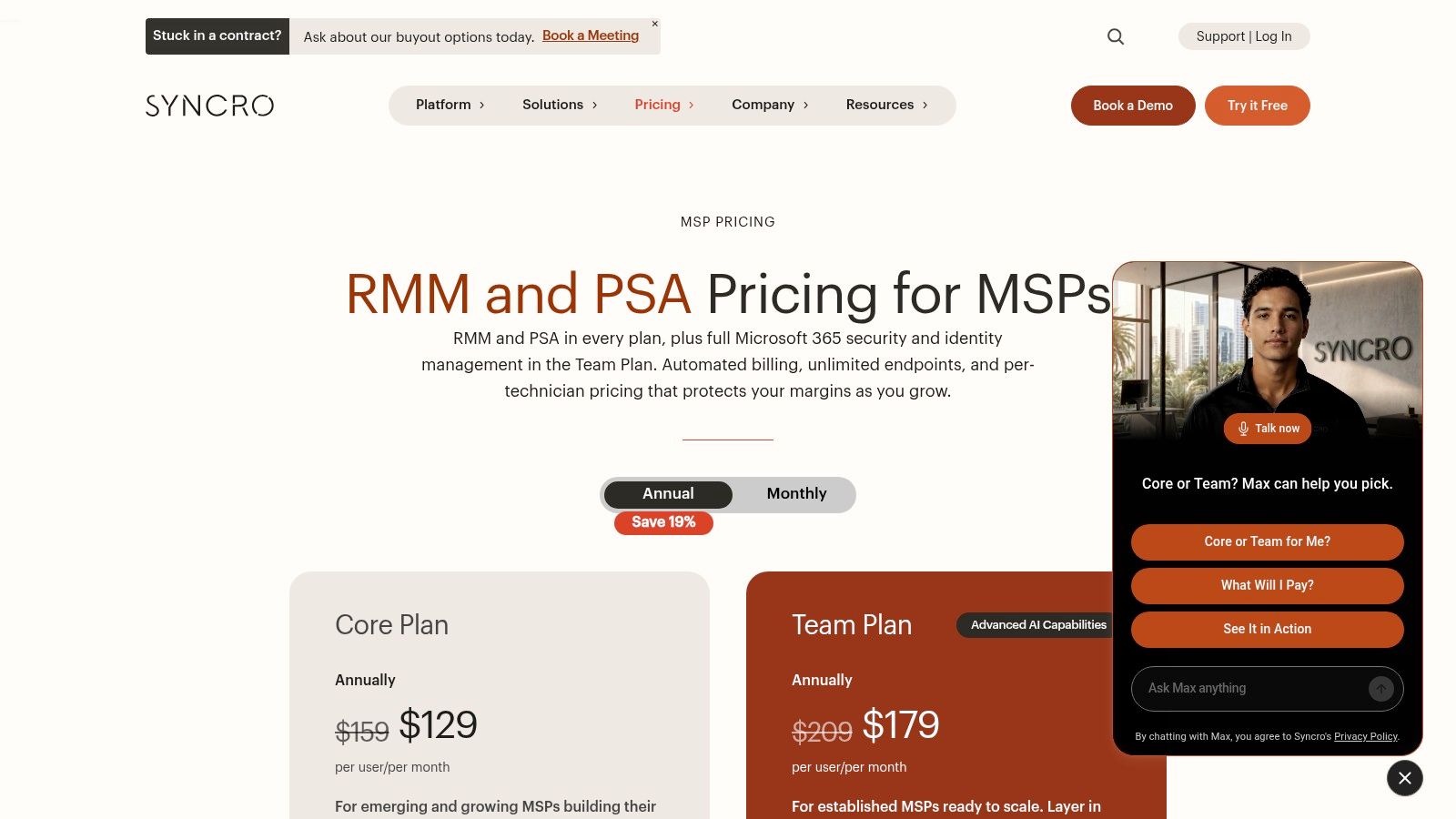
That unlimited-endpoint line changes the stack math. You can quote a fixed cost per technician and absorb device growth when a client adds forty workstations without adding support budget. The trade is headcount sensitivity: every dispatcher or engineer you add raises the subscription, so automation has to carry ticket volume. Team adds Microsoft 365 security and identity management, which matters if you already standardize tenants there.
Where it pinches
Published rates solve transparency; fit is a separate test. Syncro bundles monitoring, scripting, patching, remote access, ticketing and billing workflows in one product, so migration risk sits in the service desk model rather than the agent count. Run a real queue in the trial: escalations, after-hours rules, billing handoffs and exception handling. Treat it like any consolidated business system decision, whether an MSP suite or a Dynamics 365 HR rollout: the demo is easy, the exception path is the product. Published rates tell you the cost. They don't tell you whether the ticketing model matches how your dispatcher thinks.
5. SuperOps
SuperOps sits in the combined RMM+PSA camp, but it bills per endpoint rather than per technician, which inverts the Atera-style calculation. That model favors providers whose device count grows faster than their headcount: adding a technician costs nothing, adding a client adds endpoints. Small fleets should read that carefully. Ask whether the MSP plan you're quoted carries an endpoint minimum before assuming it fits a starter book of business.
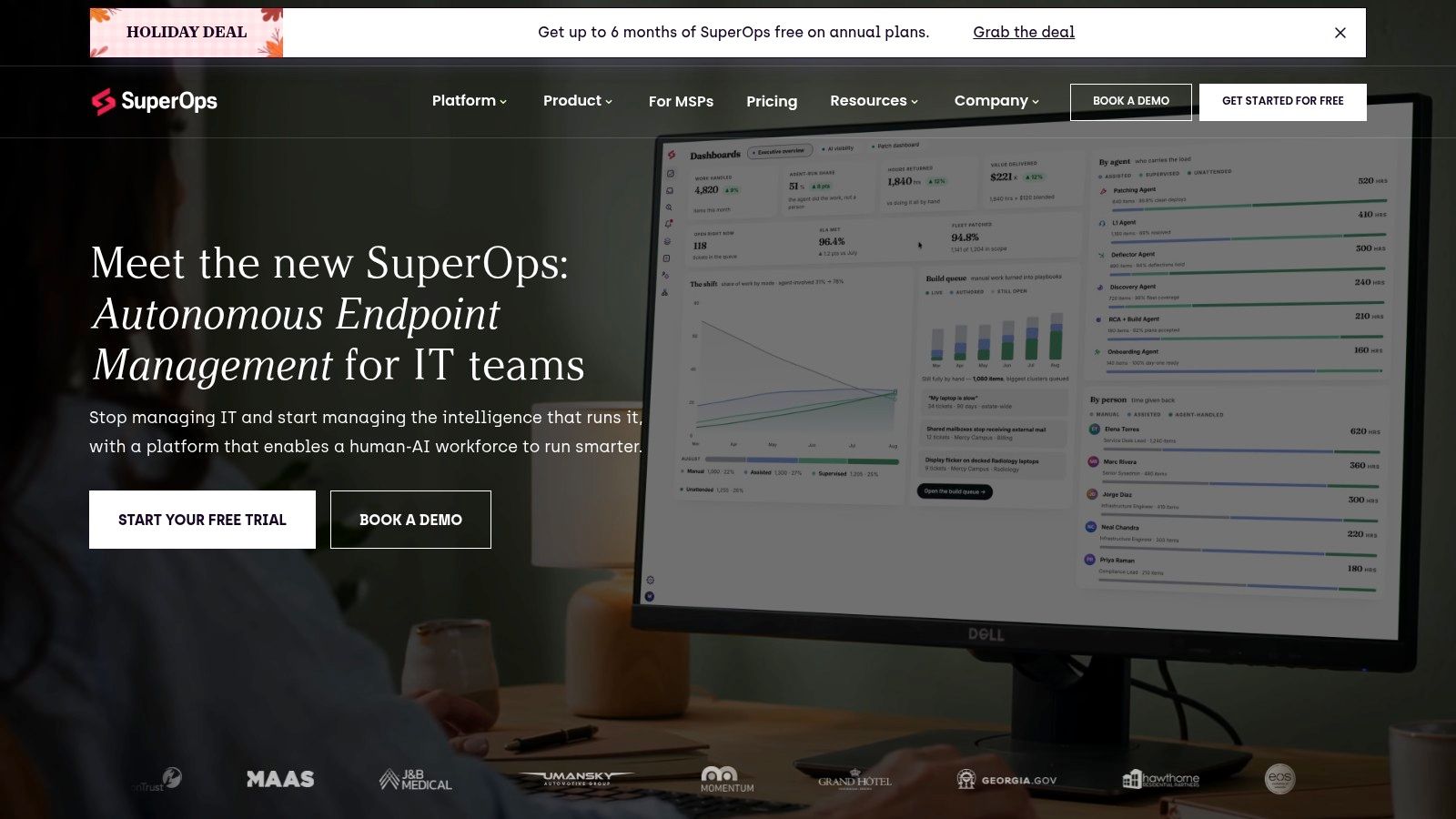
One console covers endpoint monitoring, patching, scripting, remote support, service-desk automation and AI-supported ticketing. Whether per-endpoint pricing beats per-seat depends entirely on your ratio of devices to staff. Run both numbers against your actual fleet before you sign.
The delivery problem a suite doesn't solve
A 2025 survey of 263 MSPs found scope creep cited by 58.7% of respondents and inaccurate timelines by 56.5%, while only 23% used their PSA platform's project-management module as the primary tool. Folding RMM and PSA into one product gives you a single place to fix that gap, and nothing more. The estimation work still has to happen somewhere.
Put a real client onboarding on the trial, not a demo project. Automation that shortens tickets but leaves project estimation manual won't move your margin.
Get endpoint thresholds and add-on pricing in writing. Here the quote carries more weight than the headline rate.
6. N-able N-central
N-central is what you move to when basic endpoint management stops being enough. It offers drag-and-drop automation with scheduled or event-triggered actions, patch and application management, monitoring and security workflows, plus a script library for custom automation (N-able N-central).
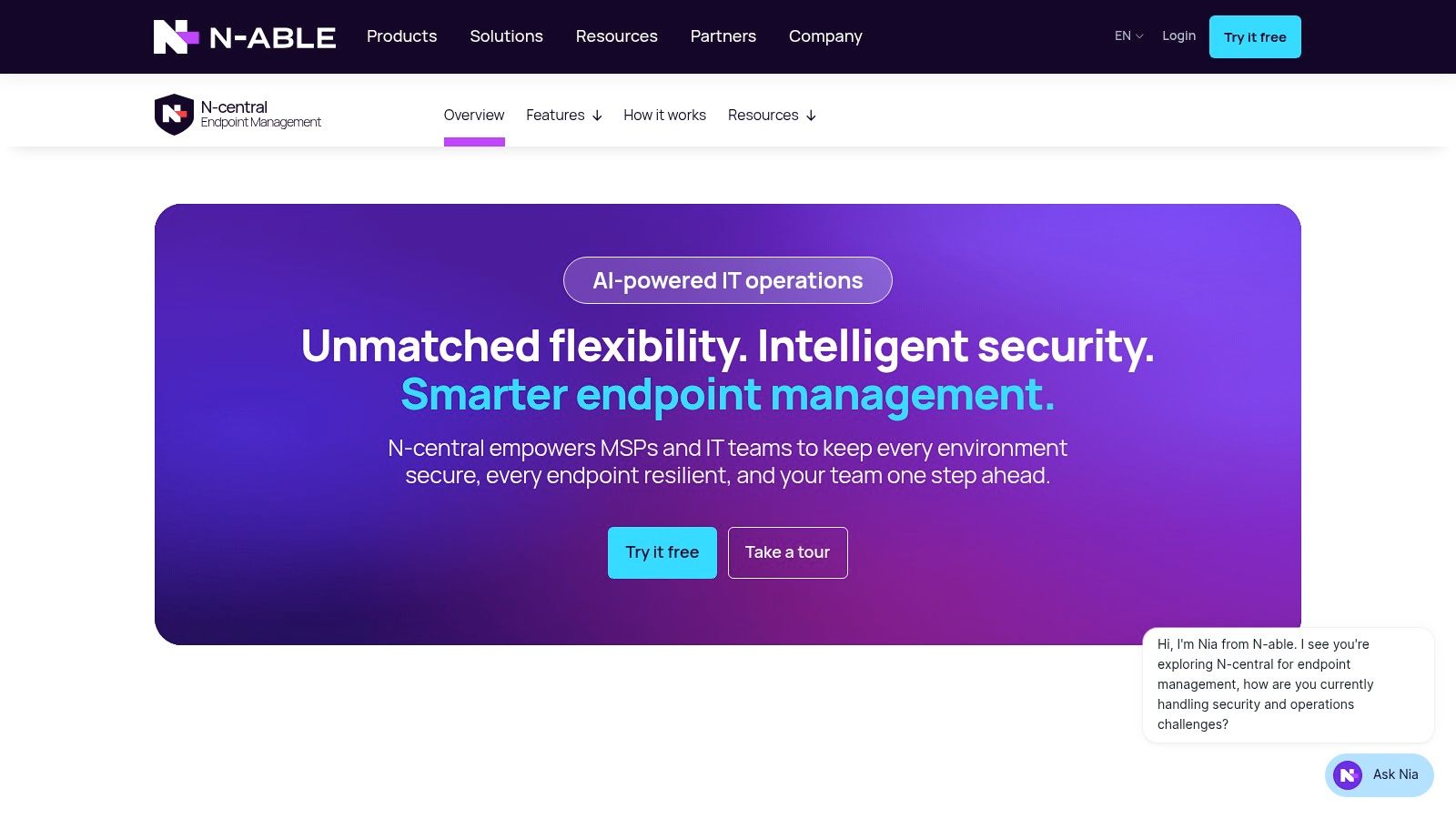
The strength is control. You can standardize policies across hundreds of client environments and build remediation that fires on specific events instead of a fixed schedule. For a provider managing mixed infrastructure with legacy on-premises systems, that flexibility is the reason to buy.
Where the cost hides
Pricing isn't presented as a simple public rate card. Ask specifically about licensing units, onboarding and support terms, because "per endpoint" means different things across vendors and the difference shows up in year two. A free trial and demo are available, and you'll need both.
Depth has an operational cost too. Complex policies need an owner, and an unmaintained automation library becomes a liability the moment the engineer who built it leaves. Before you buy, decide who maintains the scripting and whether that person has time.
- Good fit: complex, multi-client environments, heavy monitoring requirements, teams with scripting depth.
- Poor fit: a two-person shop that wants sane defaults and no policy maintenance.
7. ConnectWise RMM
ConnectWise RMM makes sense for one buyer: the MSP already running ConnectWise PSA. The platform covers monitoring, automated operating-system and third-party patching, intelligent alerts with preconfigured remediation, AI-assisted script generation, and remote access through ScreenConnect, all wired into ConnectWise workflows.
On ConnectWise PSA, that integration is the purchase justification. Off it, you pay an ecosystem premium for capability you could buy standalone.
Native integration earns its money when it removes a manual handoff. It earns nothing when it only removes a logo from your stack diagram.
Packages run from endpoint-focused management up to broader network and cloud coverage, and working out what each tier includes takes a sales conversation rather than a pricing page. Pricing is quote-based with a free-trial option listed.
The migration question matters more than the feature list. Map every automation you rely on today to a named capability inside the tier you're quoted, the way five Shopify Flow workflows that save ten hours a week are spelled out task by task. Rebuilding a working remediation workflow in a new tool is real migration cost, and it's the cost least visible in the sales cycle.
8. Datto RMM
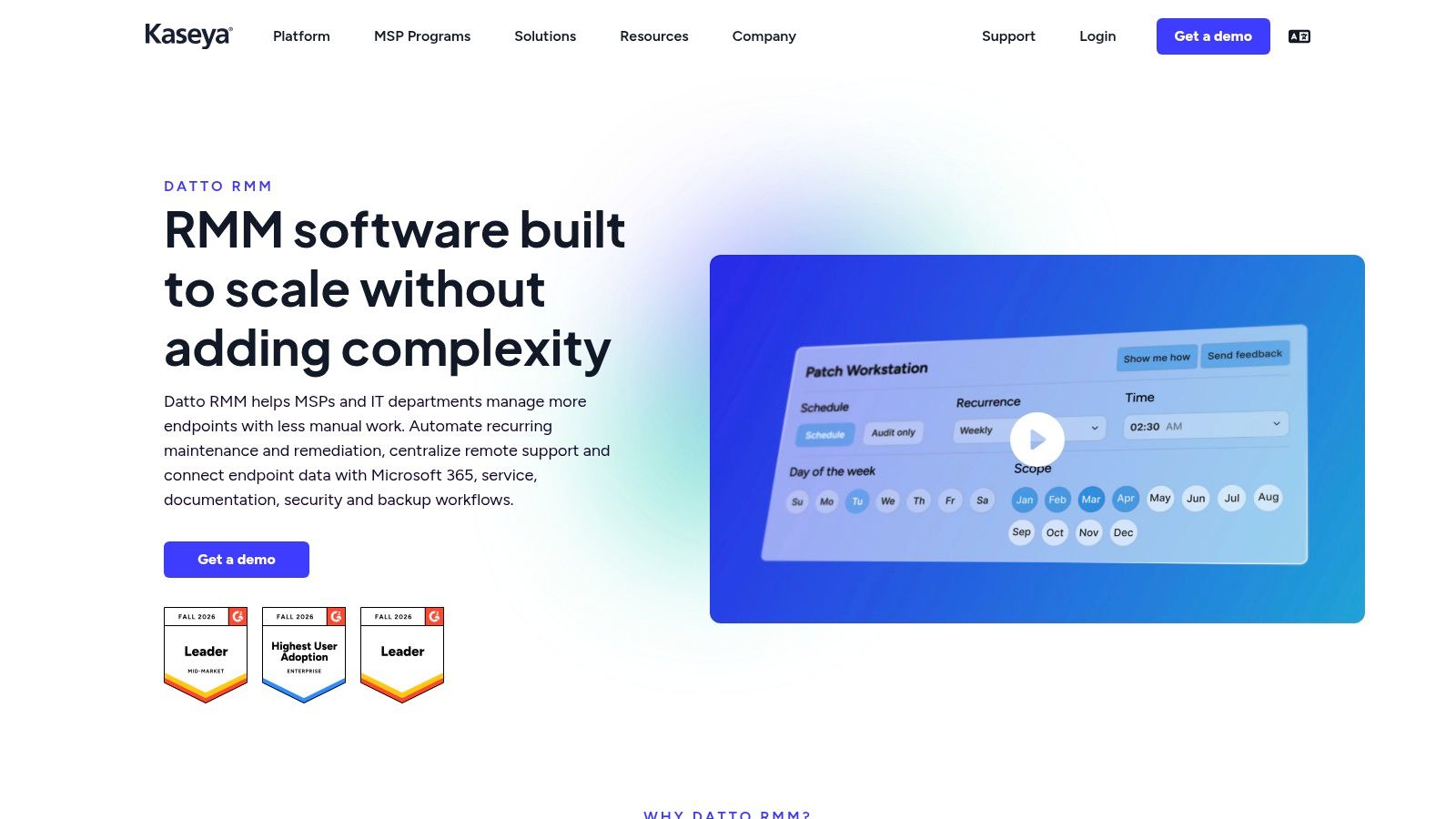
Datto RMM's strongest argument isn't a specific automation feature, it's the pairing. Policies, jobs, scripts and a component library handle repetitive endpoint work, and the native connection to Autotask PSA lets a device alert arrive in the service desk with client context attached.
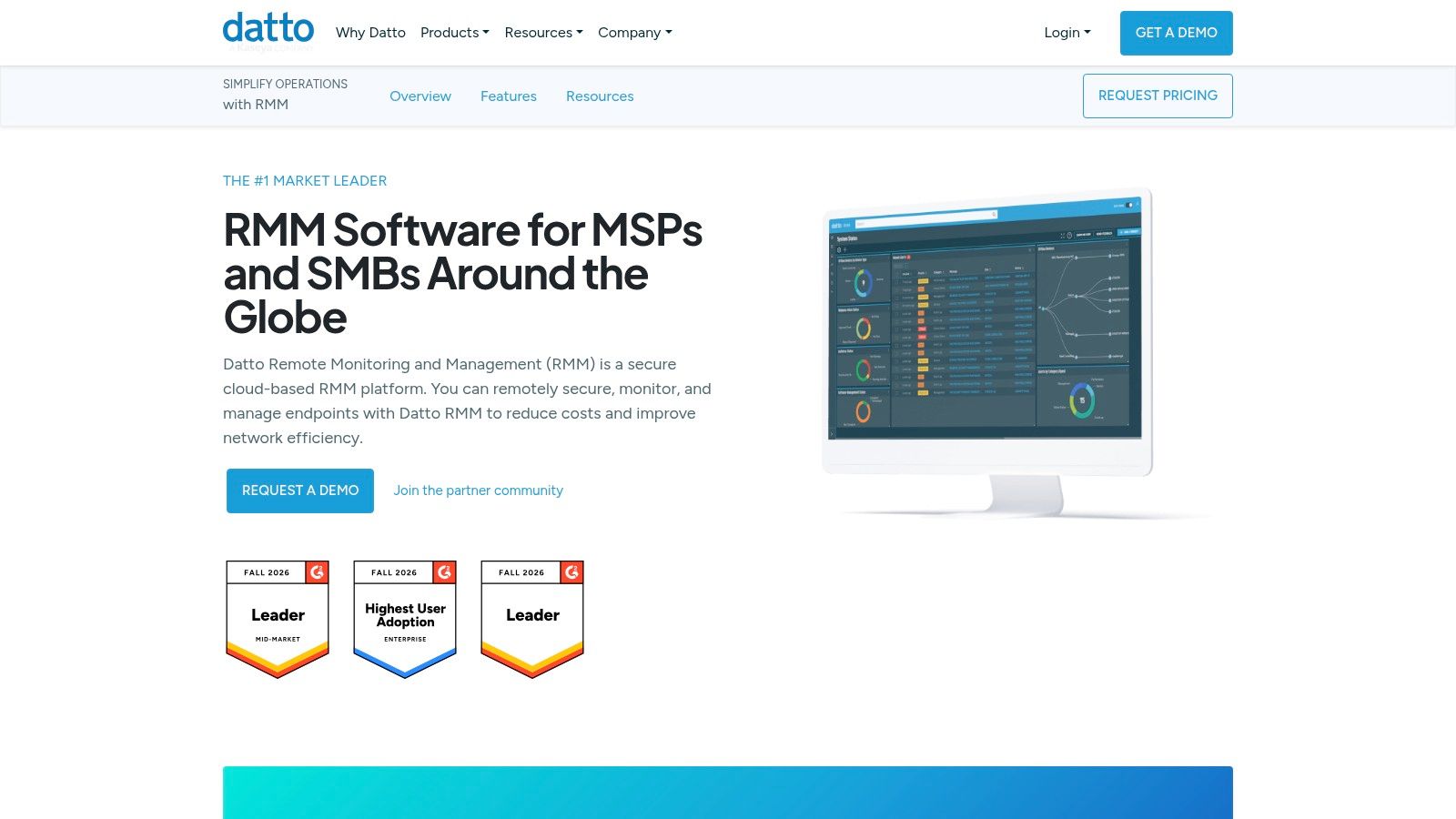
If you're an Autotask shop, that's the shortest path from alert to billable ticket. If you run HaloPSA, SuperOps or Syncro, integrations exist but the seam shows more, and technicians feel it in extra clicks. Real-time monitoring and alerting, policy-based patching and software deployment, plus remote access and network visibility round out the platform.
Pricing is quote-based. Request a demo, then confirm licensing units, minimums and contract terms in writing, including what happens if you shrink a client base mid-term. Fit depends heavily on your existing PSA and adjacent tools. Treat "does it integrate cleanly" as the first question and "what can it automate" as the second.
9. ManageEngine MSP Central
ManageEngine is the modular option, and modular means you can start cheap. The vendor lists PSA-only pricing from $19 per technician per month and PSA plus RMM from $163 per technician per month, with a 30-day trial listed and no minimum purchase requirement stated on the ManageEngine MSP Central pricing page.
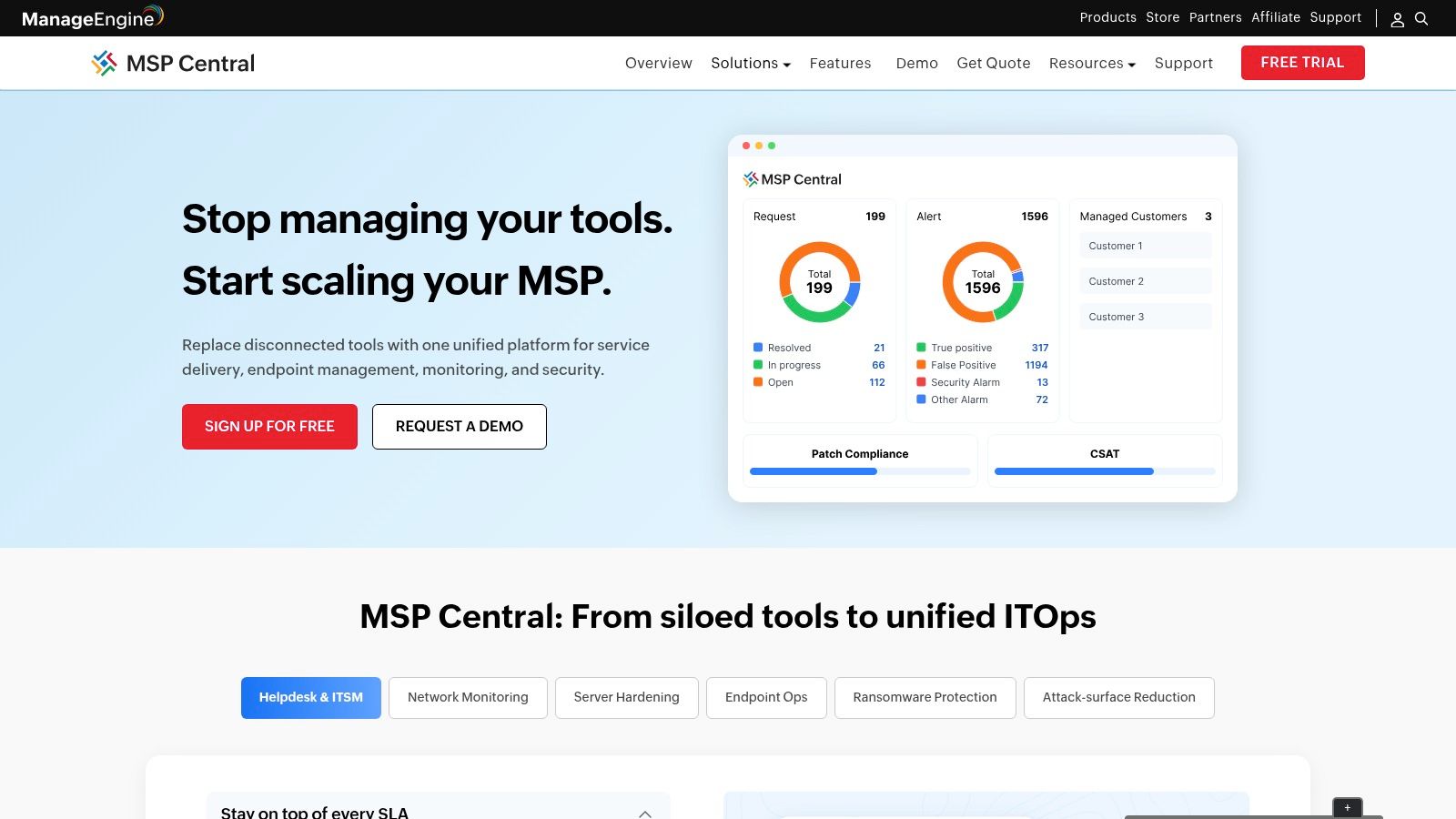
That entry point is useful for a provider who wants service desk and asset management first, then endpoint automation once the process is defined and documented. It's also the trap: headline pricing won't represent the finished stack once you add modules and quantities.
Evaluation cost is the real cost
Multi-client management, service desk, asset management, endpoint management, patch deployment, remote troubleshooting, scripting and monitoring behave as separate modules with their own configuration surfaces. Breadth buys flexibility and charges you in setup time and admin overhead.
Go in with a defined target stack and a named owner for configuration. If you can't describe which modules you'll run in the first ninety days, the flexibility becomes procrastination.
10. Pulseway
Pulseway's differentiator is mobile, and it's not a cosmetic one. If your technicians spend more time in cars and at client sites than at desks, monitoring systems, acknowledging alerts and running management tasks from a phone changes the shape of the working day. Automation covers patching, alerts, endpoint protection and network tasks, with optional PSA capabilities and a 14-day trial listed (Pulseway MSP software).
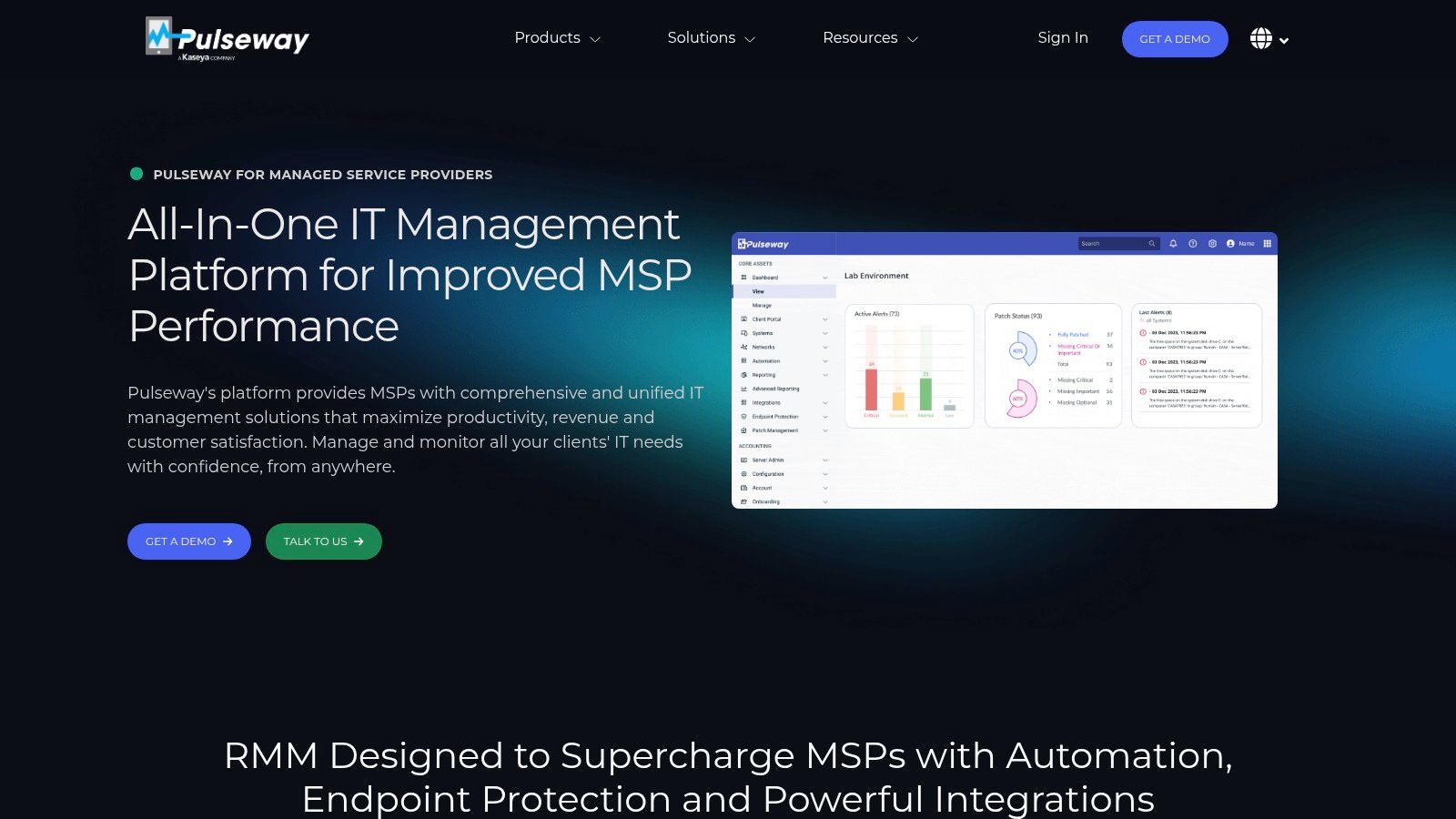
The catch is pricing granularity. Costs depend on endpoint count, selected modules and add-ons, so a quote for the core RMM may not match the stack you end up running. Confirm which PSA and security capabilities sit in the core product before planning around them.
Ask before you sign: which capabilities in this quote are core, which are add-on modules, and what does the total look like at 20% more endpoints?
Fourteen days is tight for a proper trial. Pick one workflow, one patch cycle and one after-hours alert path, and test exactly those.
11. Kaseya VSA
Kaseya VSA is an RMM inside a much bigger portfolio, and that's the entire decision. You get remote monitoring and endpoint management, automation and scripting for recurring operations, and the option to align with Kaseya's PSA and adjacent products.
The integration argument is well evidenced. Kaseya's 2025 Global MSP Benchmark, based on more than 800 MSPs worldwide, found that 95% of respondents viewed integration among core systems as critical, and 85% of technicians called automation essential for working efficiently. Bundling answers that need, but only if you adopt the bundle rather than buying the RMM and stopping there.
The question that matters
Pricing is quote-based, so the comparison you need is the full bundle and the contract, not the RMM line item. Confirm what's included across RMM, PSA, security and support, plus migration terms and renewal escalation. Ecosystem fit cuts both ways: staying is cheap, leaving is not, so negotiate the exit before you negotiate the discount. If you run other vendors alongside it, test the integration and migration requirements on a small client first.
MSP automation software platforms at a glance
| Platform | Pricing model | RMM + PSA in one product? | Best for |
|---|---|---|---|
| Vight | Monthly credit pools; unlimited users; enterprise volumes by arrangement | No; supplements an existing PSA | MSPs automating call intake, ticket documentation, triage, and knowledge retrieval |
| NinjaOne | Quote-based; free trial available | No; RMM with PSA integrations | MSPs focused on endpoint monitoring and management with a separate PSA |
| Atera | Per technician; MSP Pro listed from $129 per month with annual billing; free trial available | Yes | Smaller teams wanting core RMM and PSA workflows with per-technician pricing |
| Syncro | Per user; plans listed from $129 per month billed annually; unlimited endpoints included | Yes | MSPs seeking combined RMM and PSA with published per-user pricing |
| SuperOps | Pricing and plan basis require a quote; 150-endpoint minimum described | Yes | MSPs wanting unified RMM and PSA with endpoint-based scaling options |
| N-able N-central | Quote-based; free trial and demo available | No; RMM with integrations | MSPs needing configurable automation for complex, multi-client environments |
| ConnectWise RMM | Quote-based; free-trial option listed | No; RMM product with ConnectWise ecosystem integrations | MSPs already using ConnectWise tools and seeking integrated endpoint workflows |
| Datto RMM | Quote-based | No; RMM with Autotask PSA integration | MSPs managing many endpoints, especially those using Autotask PSA |
| ManageEngine MSP Central | Modular pricing; PSA-only listed from $19 per technician monthly and PSA + RMM from $163; 30-day trial listed | Yes, with selected modules | MSPs wanting modular service-desk, PSA, endpoint, and monitoring capabilities |
| Pulseway | Based on endpoint count, modules, and add-ons; 14-day trial listed | Optional PSA capabilities | Technicians who need mobile-first monitoring and remote endpoint management |
| Kaseya VSA | Quote-based | Not as a single VSA product; can pair with Kaseya PSA | MSPs already using Kaseya tools and seeking ecosystem alignment |
How to Run Your Own Evaluation and Pick With Confidence
Map each platform above to the stack pattern you run. Choose standalone RMM when your PSA is settled and good. Choose unified RMM plus PSA when you're consolidating and your technician-to-endpoint ratio is stable. Choose ecosystem-bundled when you're already inside one vendor's portfolio and the cost of leaving exceeds the discount for staying. Then shortlist two or three and stop reading reviews.
Pressure-test every quote on five points: pricing transparency (published rate card versus "call us"), endpoint or seat minimums, add-on costs, migration effort including rebuilding remediation workflows, and contract terms such as renewal escalation and exit clauses. A vendor that won't put minimums and add-ons in writing is telling you something useful.
Depth deserves more attention than most evaluations give it. The Kaseya 2026 State of the MSP report found 55% of MSPs automate roughly one-quarter of their workload, while only 28% automate about half. Maturity isn't the number of workflows switched on. It's governance: audit trails, rollback procedures, approval gates, exception routing and client consent, plus a clear answer on where human approval stays mandatory.
A structured process beats a demo tour. The SaaS Hub, a curated software discovery platform that has evaluated over 1,000 apps, runs a five-step curation process of market research, technical evaluation, merchant validation, expert review and ongoing monitoring, scoring tools on performance and reliability, merchant success, support quality, value for money and integration quality. Borrow that shape. Research the market, run a technical evaluation against your own stack, validate with technicians who'll use it daily, get an outside review of the contract, then monitor performance after go-live instead of assuming the trial settled it.
Then act on evidence. Book trials of your top two candidates for the same week, and run identical tests in each: an after-hours call that must become a ticket, a patch that fails and needs a documented rollback, and a client onboarding that touches your PSA, documentation and phone system. Score both on the same sheet, sign nothing until one wins on your own numbers, and diarize a stack review for the same month next year as pricing models and AI features keep shifting.