Best AI Receptionist Tools for 2026: Fit by Business Type
Compare the best AI receptionist tools for 2026, including pricing, free trials, and which businesses each platform suits, from clinics to restaurants.
By Yuvraj Kewate · 2026-11-06
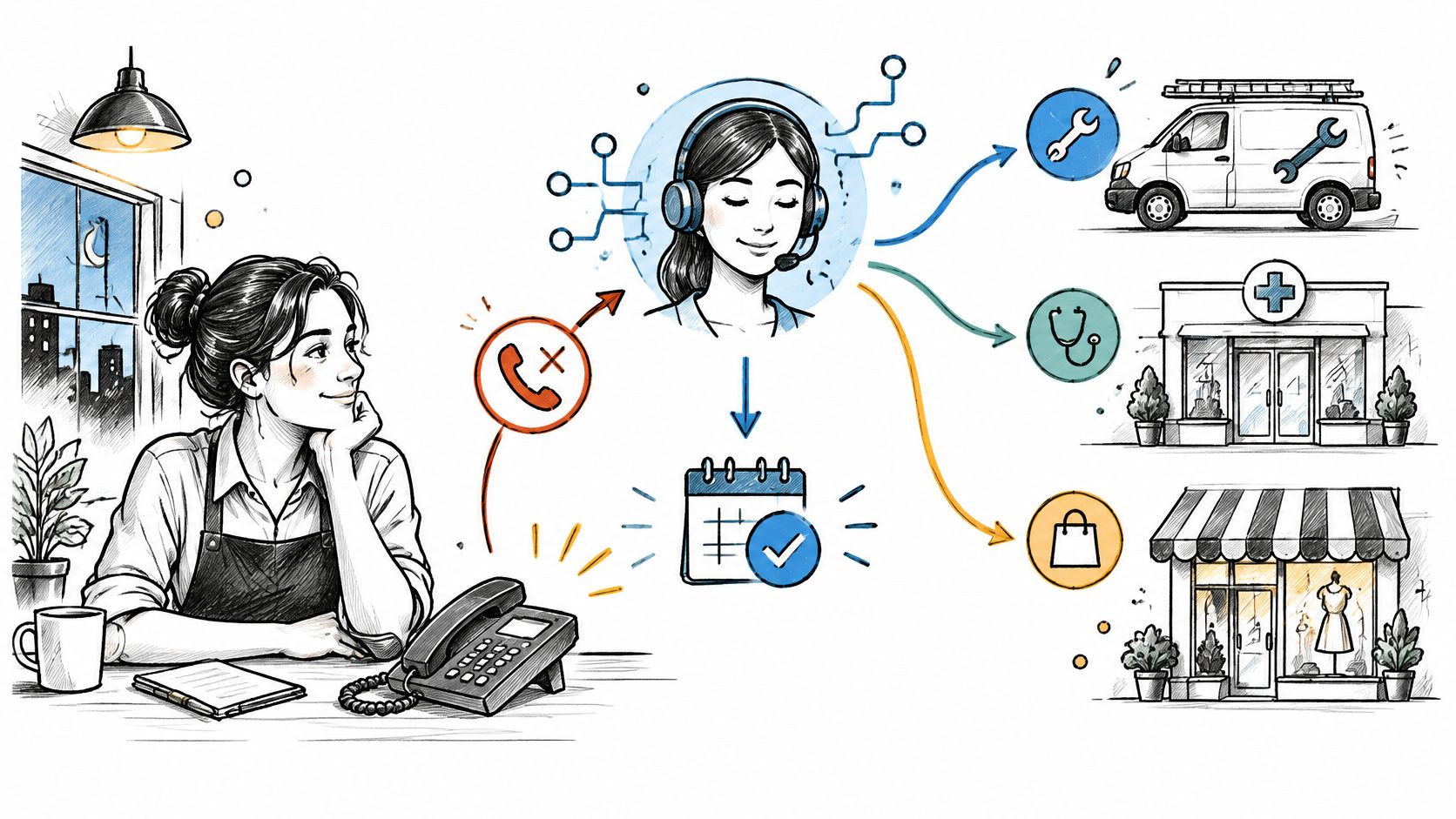
It's 7 p.m., your plumbing team has finished its last scheduled job, and a homeowner calls about a leaking pipe. The call reaches voicemail. They need someone who can confirm availability, not a recording that promises a callback, so they try another company.
That's the missed-call problem. Answering is only the beginning. Your receptionist also needs to distinguish an urgent service request from a routine quote, collect usable details, and reach the right person without promising something your team can't deliver.
In a survey of U.S. consumers cited by Quo's small-business callback analysis, 82% said they would call a competitor after an unanswered business call. That makes call handling an operational decision, not a voice-quality contest.
The best AI receptionist depends on two things buyers often evaluate too late: what counts as billable usage and what happens when automation stops being useful. A minute-based plan behaves differently from one charging per call, interaction, or unique caller. Likewise, transferring to your mobile isn't the same as reaching a staffed human answering service.
These platforms suit different call patterns, from repeat clinic callers and restaurant reservation requests to new leads for small service firms. Choose around those patterns, rather than the longest feature list.
Table of Contents
- 1. Recepta.ai
- 2. Smith.ai AI Receptionist
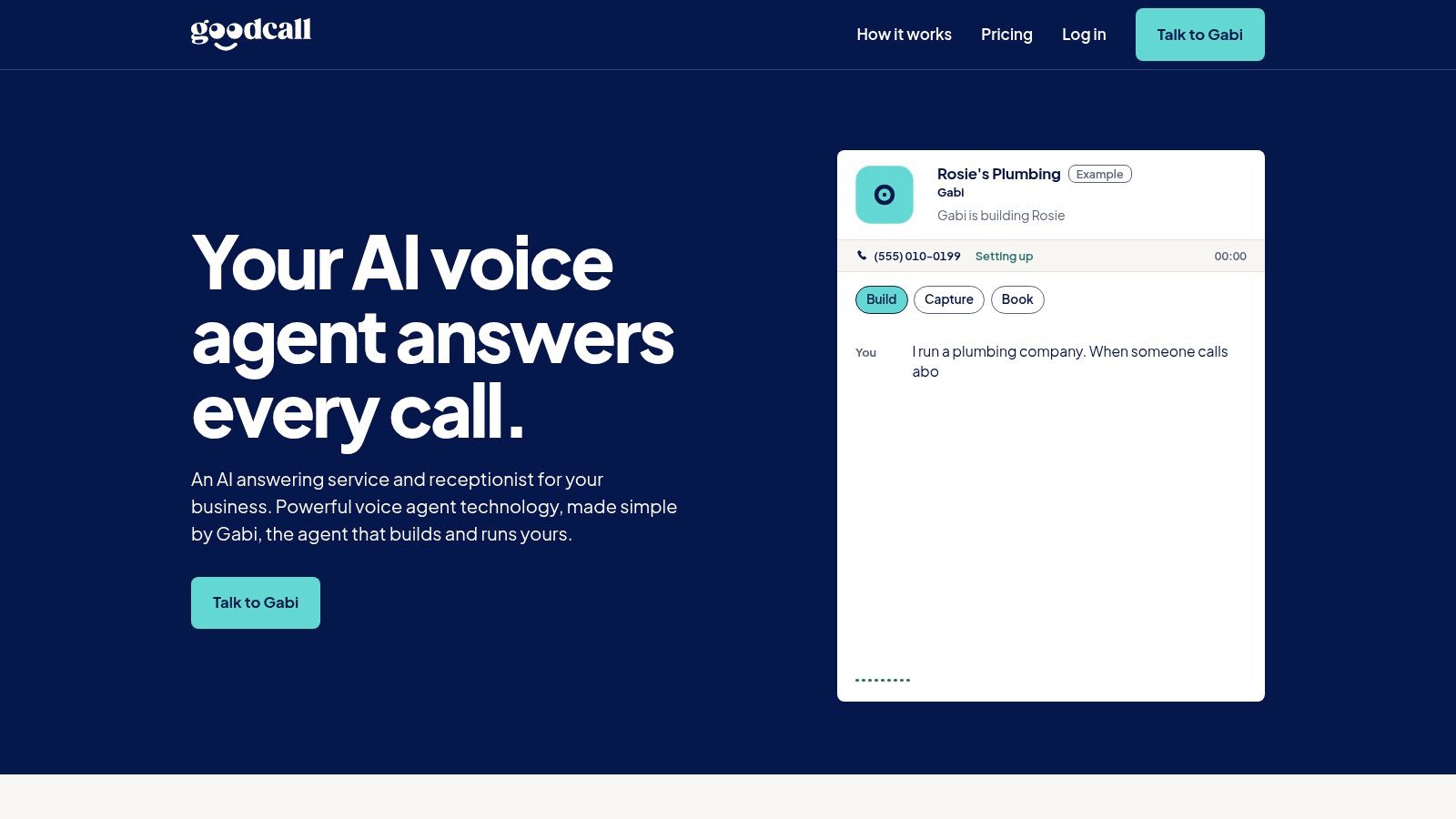
- 3. Goodcall
- 4. Rosie AI
- 5. Upfirst
- 6. Zoom Virtual Agent Receptionist
- 7. RingCentral AI Receptionist
- 8. Nextiva XBert AI
- 9. Slang AI
- 10. My AI Front Desk (Frontdesk)
- AI Receptionist Platforms at a Glance
- Match the Tool to Your Call Pattern, Not the Headline Price
1. Recepta.ai
Recepta.ai belongs on the shortlist when human backup is part of the requirement, rather than an occasional transfer to your own staff. Its AI receptionist combines conversational automation with trained human support, covering inbound calls, outbound follow-ups, appointment scheduling, and lead capture.
For a home-services business, that combination addresses a practical gap. The AI can collect the service address and reason for calling, while a human handles a distressed caller or a request that needs judgment. For professional services, the same structure can separate routine intake from conversations that require empathy or careful clarification.
Where the hybrid approach earns its place
Recepta.ai's useful distinction is the relationship between automated intake, human escalation, and follow-through. Calendar and CRM connections, call summaries, automatic logging, and real-time analytics support the work after someone answers.
Those capabilities still need workflow testing. A captured lead isn't a completed booking, and a summary isn't proof that someone owns the callback.
- Best fit: Home services, professional practices, and multi-location businesses that need automation with external human support.
- Pricing mechanics: Obtain a written breakdown of the billing unit, included usage, human-agent charges, outbound activity, and integration work before comparing costs.
- Handoff test: Ask for an ambiguous call to move from AI to an agent, then inspect whether the agent receives the caller's details and reason for escalation.
I'd favor Recepta.ai when the business needs a service layer around the software. I wouldn't choose it solely on broad integration or savings claims. Clinics, legal practices, and financial businesses should also establish approved intake boundaries and review data-handling terms before connecting sensitive workflows.
2. Smith.ai AI Receptionist
A prospective client starts explaining a complicated legal matter, then asks whether the firm can help. That's where access to a live-agent network matters more than another automated FAQ response.
Smith.ai AI Receptionist handles routine answering, qualification, scheduling, and routing, with escalation to human agents for calls needing assistance. Its recordings, transcripts, summaries, and testing tools give buyers ways to inspect call behavior rather than judge a polished demonstration.
The billing model is call-based, so call volume is the starting point for budgeting. Human assistance deserves separate scrutiny: establish when it's invoked, how it's charged, and whether your selected service covers the hours you need.
Practical rule: A live-agent option is valuable only when the agent can take a useful next step, not merely repeat the AI's intake questions.
Smith.ai is a strong candidate for law firms, agencies, and other professional services with valuable inbound inquiries. The trade-off is paying for human-backed handling when many calls may only need a brief automated answer.
Use its testing environment to challenge qualification rules and caller requests for a person. For website conversations, evaluate a separate channel such as Tidio Live Chat & AI Chatbot, rather than assuming phone reception includes equivalent live-chat coverage.
3. Goodcall
Goodcall's distinctive budgeting question is how many different customers call, not just how long they talk. Its unique-customer model makes it worth evaluating when the same people repeatedly contact your business.
Goodcall provides self-serve configuration for routine answers, caller-detail capture, custom logic, and transfers. Its routing options include backup destinations when the initial contact doesn't answer, while Zapier connectivity supports follow-up workflows.
Repeat callers versus new inquiries
Say a service firm receives calls from existing customers about appointment changes, access instructions, and job updates. A unique-customer model may align better with that pattern than a model that meters every conversation separately.
A business acquiring mostly new callers faces a different calculation. Distinct-caller volume, rather than repeat activity, becomes the main allowance to model.
- Best fit: Small businesses with repeat callers and an owner or operations manager willing to maintain call logic.
- Main trade-off: Self-serve control means your team must keep answers, routes, and fallback instructions accurate.
- Escalation limit: Transferring to your team doesn't create additional human answering capacity.
Test how Goodcall identifies customers, treats withheld numbers, and handles callers contacting you from different phones. Don't assume a billing identity always corresponds neatly to a person or household.
For a clinic, keep the initial evaluation focused on administrative workflows. Scheduling support doesn't establish that a platform is suitable for sensitive clinical conversations.
4. Rosie AI
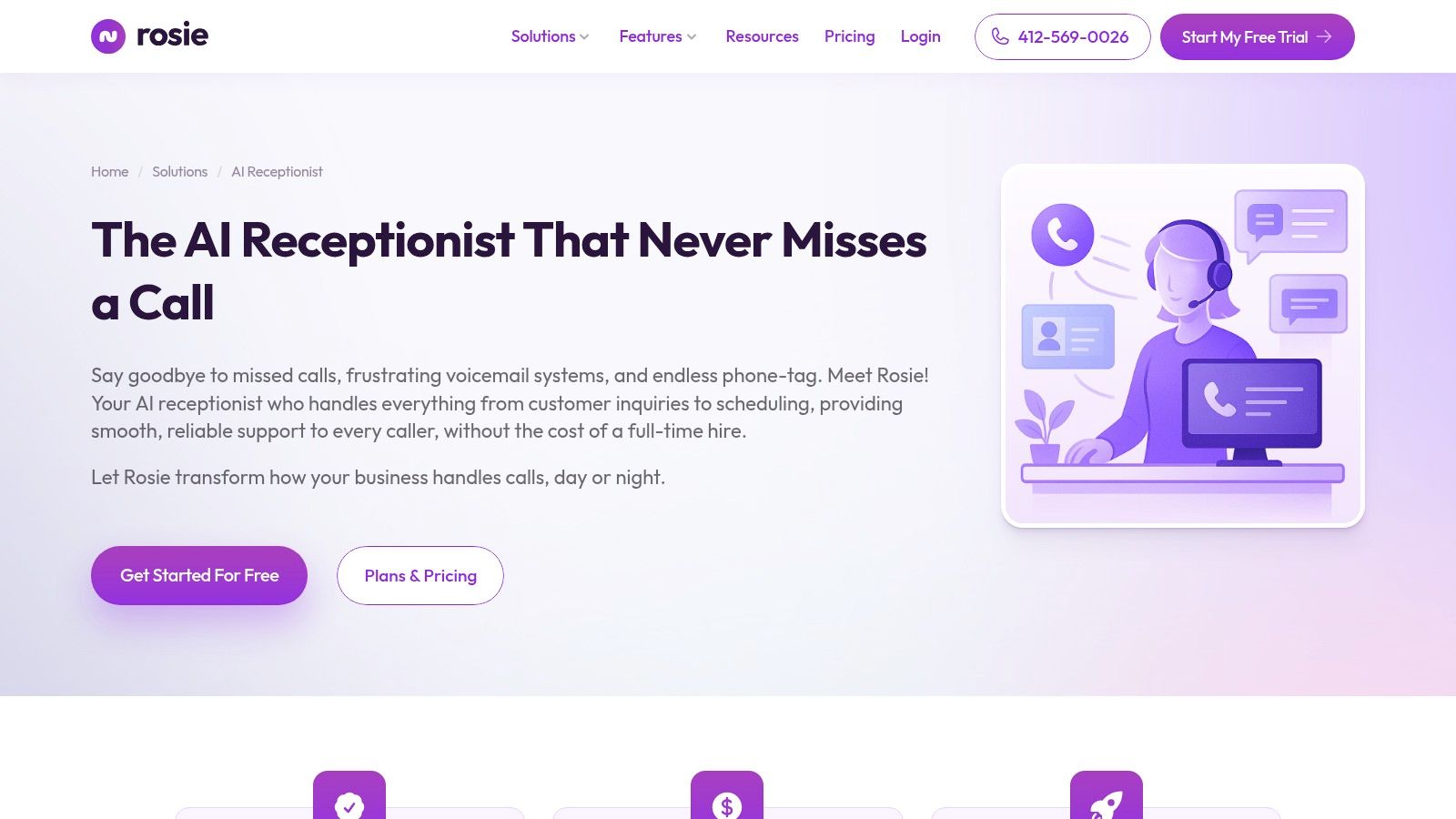
Rosie suits an owner who wants after-hours coverage without building a contact center. It can learn business information from a website and Google profile, then answer questions and collect details while the team is unavailable.
Rosie AI uses monthly minute allowances. That makes conversation length important: a concise opening-hours inquiry and a hesitant caller explaining a service problem consume different amounts of capacity.
Booking and transfer capabilities depend on the plan. Compare the tier that supports your actual workflow, not an entry plan that only captures messages when you need confirmed appointments or warm transfers.
- Useful capabilities: English and Spanish support, call summaries, recordings, spam detection, and Zapier connectivity.
- Operational concern: Website-derived answers need review, particularly seasonal hours, service boundaries, and outdated offers.
- Trial priority: Test direct and warm transfers separately, including what happens when the recipient doesn't answer.
Rosie is a practical candidate for trades, local service businesses, and small offices with straightforward questions. It's less compelling if every call requires detailed qualification across multiple systems.
I'd also test whether the greeting gets to the point quickly. On a minute-based service, an unnecessarily long introduction adds cost without helping the caller. Optimize for a correct answer or useful next step, not artificially short calls that leave people confused.
5. Upfirst
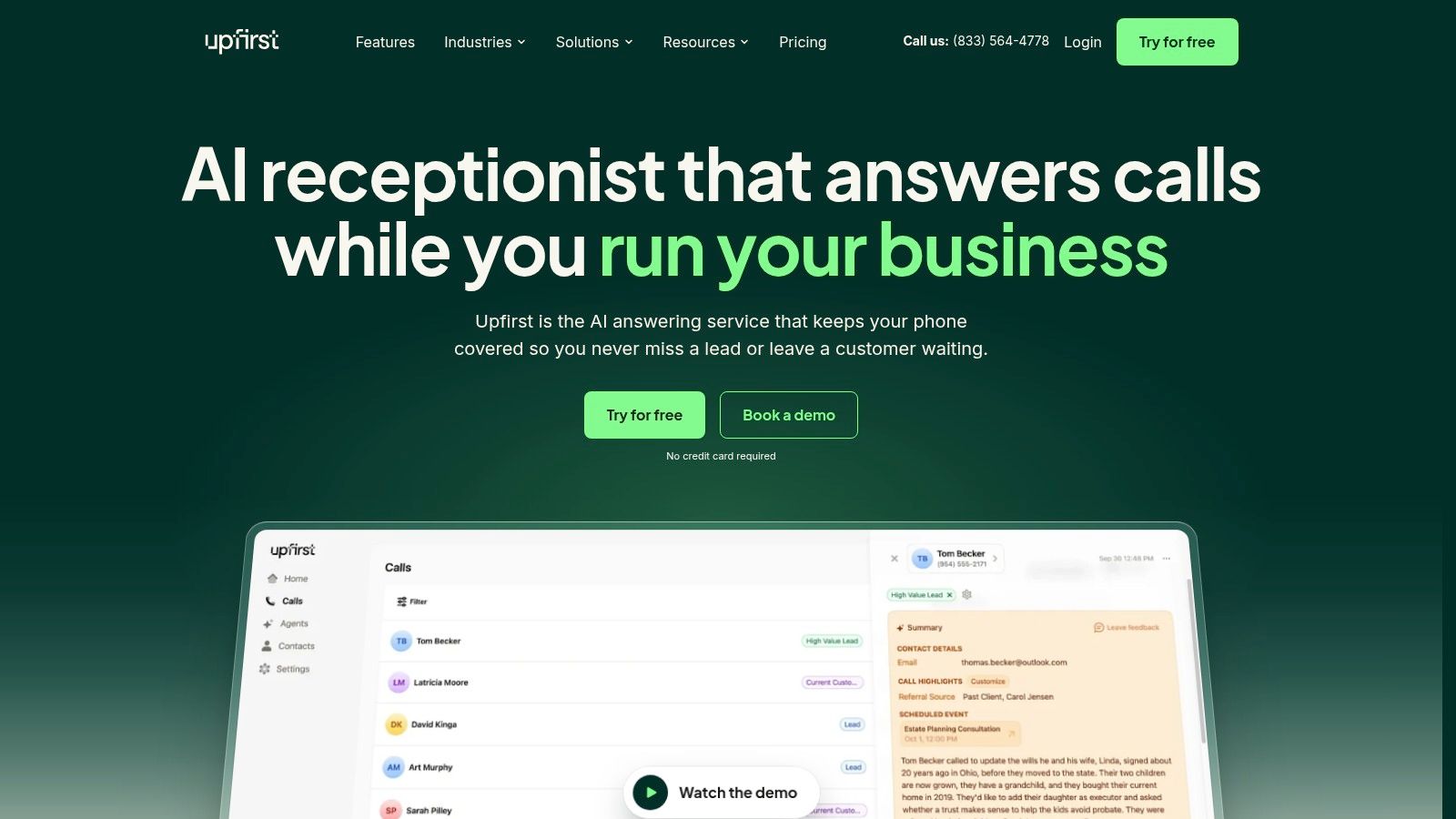
For a small firm whose calls vary in length, call-based billing can be easier to forecast than minute-based usage. Upfirst follows that approach, with answering, lead qualification, message-taking, scheduling, and live transfers.
It can work through call forwarding or a supplied number. Transfer rules can try different team members, which suits a service business with rotating availability, provided someone is responsible for answering.
The important distinction is between routing coverage and staffed coverage. Trying several phones won't resolve an urgent inquiry if everyone is working on-site and unable to pick up.
A sensible fit for owner-operated businesses
Upfirst is worth testing when you want a general answering service without adopting a broader communications suite. Supported booking tools, multilingual handling, spam filtering, and Zapier connections cover common small-business needs.
Its messaging scope needs attention, though. Sending a text to a caller isn't the same as supporting an ongoing two-way SMS conversation.
Use the trial to inspect recordings alongside summaries. A summary can look complete even when the receptionist mishears a name, address, or appointment preference; our guide to speech-to-text software provides additional context for evaluating transcription.
Best fit: Small service firms with variable call lengths and clear transfer destinations. Confirm how spam, abandoned calls, and transferred calls count toward usage before estimating the bill.
6. Zoom Virtual Agent Receptionist
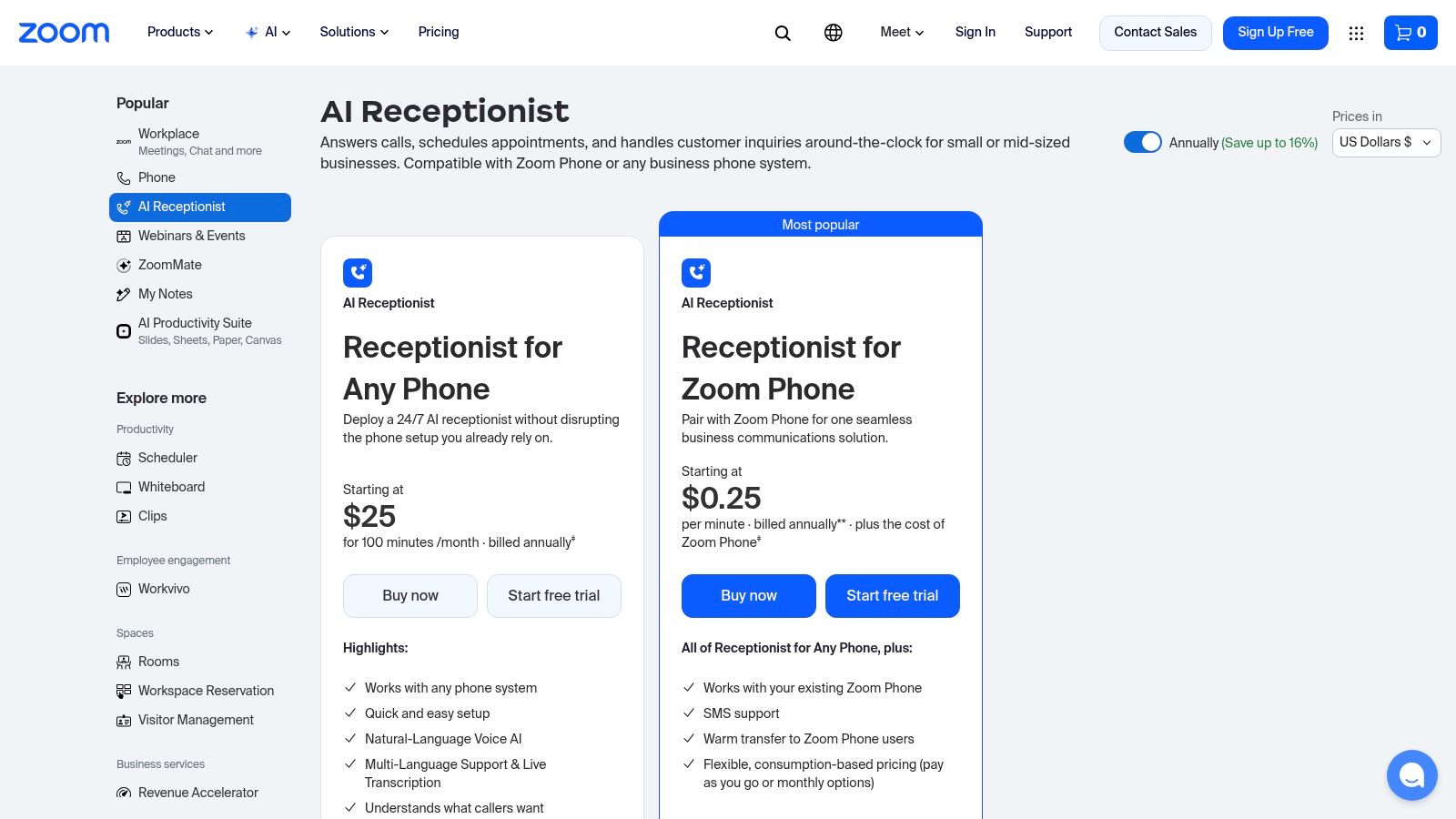
Keeping your existing phone system may matter more than replacing it. Zoom Virtual Agent Receptionist offers an Any Phone option alongside its Zoom Phone offering, making deployment choice a central part of the comparison.
Its capabilities include natural-language answering, appointment scheduling, intent-based routing, transcription, and call review. Billing includes a voice-minute allowance, so buyers should model duration as well as call count.
The important catch is that the standalone and Zoom Phone options aren't interchangeable. SMS and warm-transfer capabilities listed for the Zoom Phone option shouldn't be assumed to apply to Any Phone.
Choose the deployment first, then evaluate its handoff behavior. A feature available elsewhere in the product family doesn't help your selected configuration.
For an office already using Zoom Phone, evaluate whether receptionist routing matches existing users, calendars, and availability rules. A business keeping another phone provider should test the full forwarding and transfer path, not just the AI greeting.
- Best fit: Offices that want to retain their current telephone setup, or teams evaluating reception within Zoom Phone.
- Main limitation: Deployment-specific features can make apparently similar plans operationally different.
- Acceptance test: Have the caller change their requested department mid-conversation, then verify the destination and transferred context.
Don't treat live transcription as a complete audit trail. Review whether your team can retrieve the relevant call information and identify who owns any unresolved request.
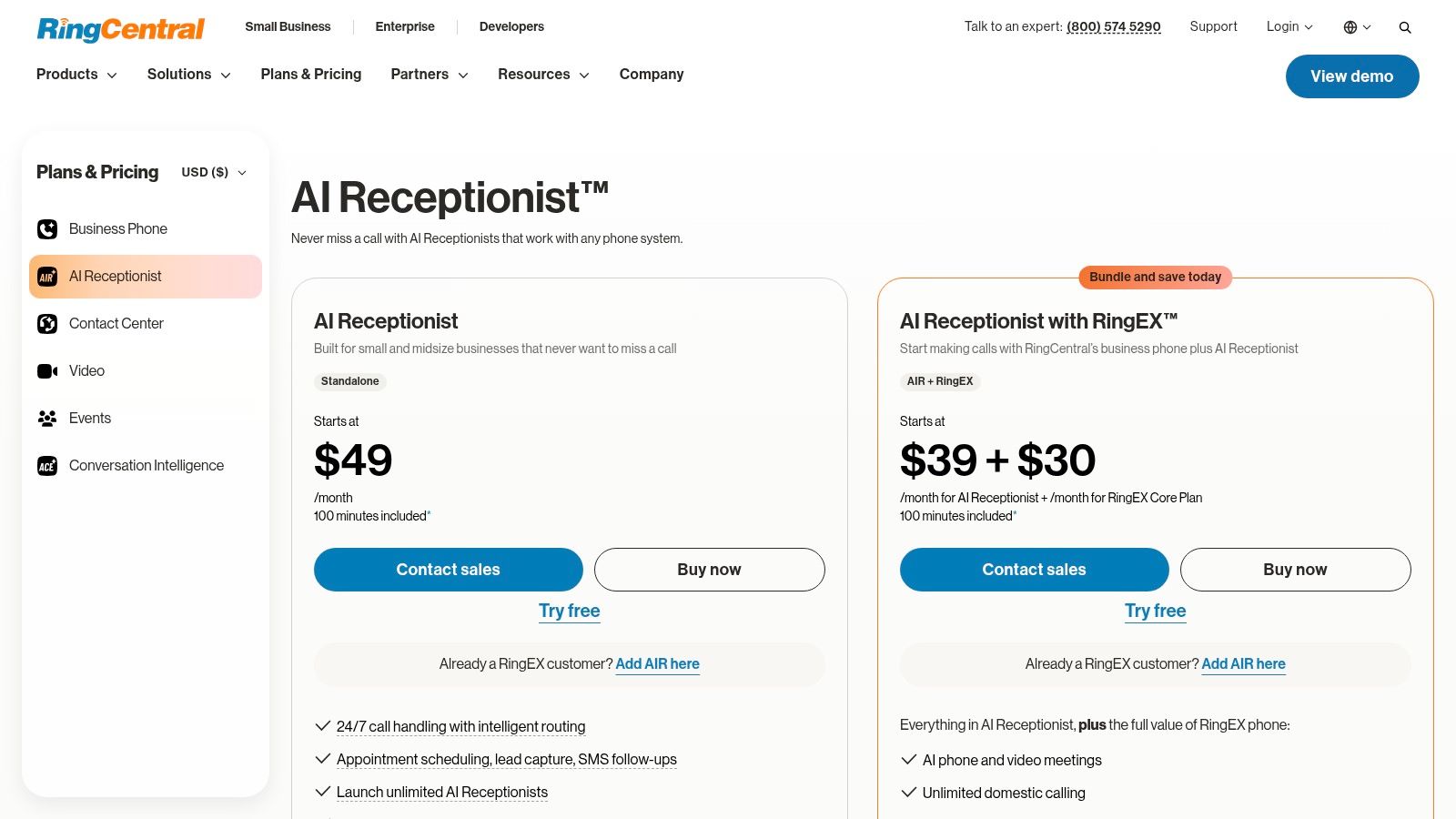
7. RingCentral AI Receptionist
A multi-location caller may know the employee's name but not their office, or the service they need but not the department. RingCentral's name-, location-, and keyword-based routing makes that a useful evaluation scenario.
RingCentral AI Receptionist is available as a standalone product or alongside RingEX. It supports FAQs, caller-detail capture, appointment workflows, multilingual interactions, and connections with CRM tools including Salesforce, HubSpot, and Zoho.
Evaluate the destination, not just the routing rule
The pricing structure includes voice minutes, with additional usage relevant once the allowance is exhausted. Existing RingEX customers should compare the add-on route with standalone licensing, while keeping the required workflow identical.
CRM connectivity is useful only if it produces clean records. Test whether an existing contact is recognized, where qualification notes land, and whether failed bookings create a follow-up task.
- Best fit: Businesses with departmental or location-based routing and an established CRM process.
- Main trade-off: More connected systems mean more configuration decisions and more failure paths to test.
- Human boundary: Escalation to employees still depends on their availability and your fallback rules.
A franchise or professional-services group should test incorrect location names, similarly named staff, and closed offices. The receptionist should clarify uncertainty rather than confidently route the caller somewhere plausible.
For sensitive workflows, review applicable contracts and data controls separately. A CRM integration doesn't establish permission to collect every detail a caller volunteers.
8. Nextiva XBert AI
XBert makes more sense when customers use several channels, rather than phone alone. Nextiva XBert AI handles calls, SMS, and web chat, using business-provided information to answer questions, capture leads, book appointments, and route conversations.
Its pricing revolves around qualifying interactions. Before comparing it with a per-call service, establish precisely where an interaction begins and ends, and how follow-up activity across channels is counted.
A customer might call about availability, reply to a text, and later ask a question through chat. Your budget model needs to reflect the provider's billing definitions rather than your intuitive idea of a single customer inquiry.
- Best fit: Service businesses that need phone, text, and web-chat coverage.
- Useful distinction: Context-aware handoff can help staff continue a conversation without repeating intake.
- Commercial concern: Confirm the current interaction definition and overage terms in the agreement.
The handoff demonstration should include a channel change and an unresolved request. Verify what the employee sees, whether they can respond in the appropriate channel, and who receives the conversation when the intended person is unavailable.
For ecommerce teams, compare this receptionist workflow with a dedicated support platform such as Richpanel AI Customer Support. Front-desk intake and order-support resolution are different jobs, even when both use chat and AI.
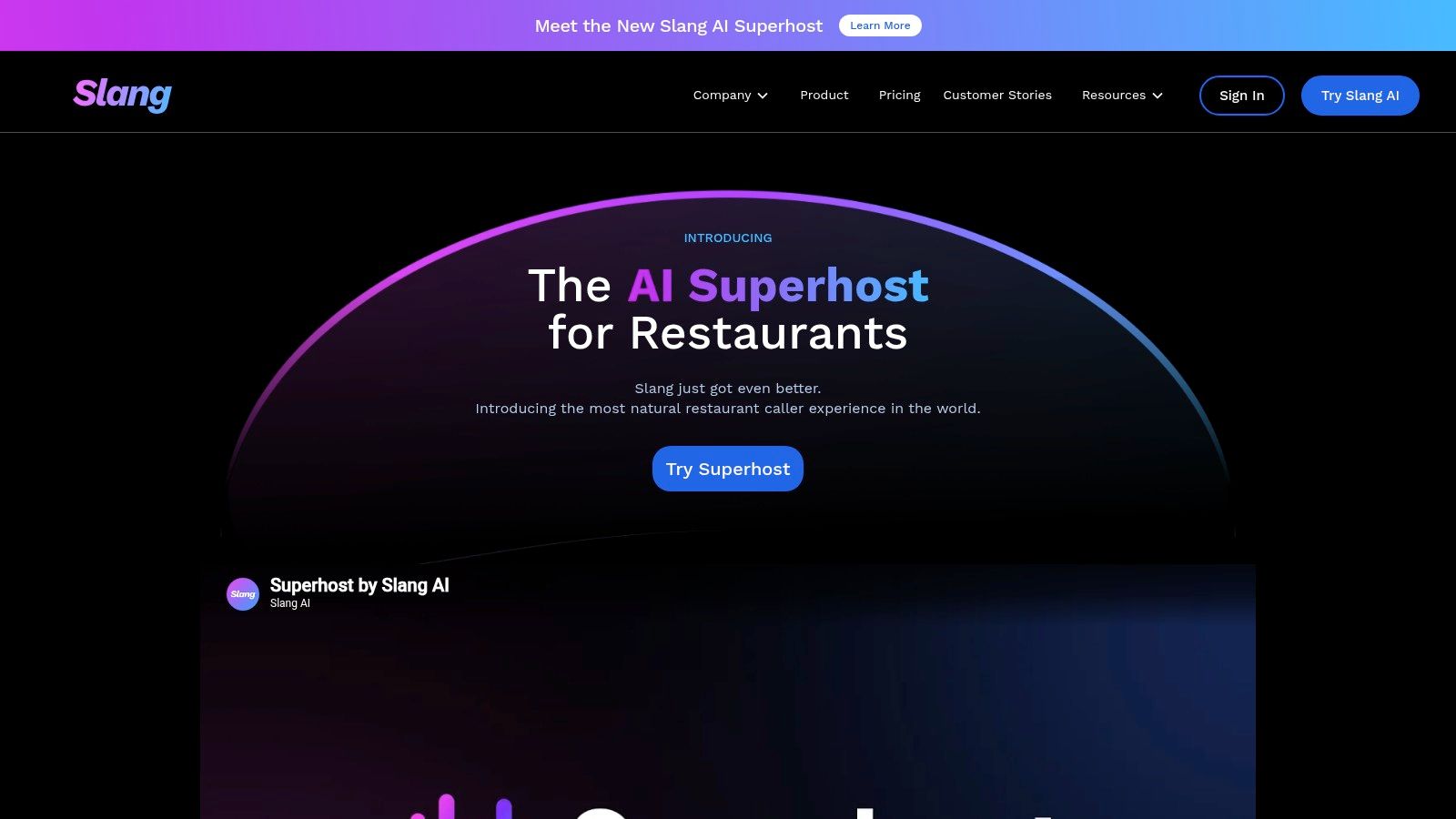
9. Slang AI
Restaurant calls aren't generic office calls. Guests ask about reservation availability, menu details, private events, and location-specific policies while front-of-house staff are seating tables.
Slang AI is built around that hospitality context. Its restaurant-focused answering, reservation workflows, multilingual voice support, configurable greetings, and routing make it a more relevant candidate than a general receptionist when dining inquiries dominate.
Pricing is custom, so don't classify it as minute-based, call-based, or unlimited without a written proposal. Request a quote that spells out location coverage, booking connections, usage treatment, onboarding, and support.
Keep routine questions away from busy staff
The operational objective is to resolve ordinary guest requests without sending every call back to the host stand. Reservation changes and private-event inquiries need different rules from questions about parking or opening hours.
- Best fit: Restaurants and hospitality groups whose calls center on guest information and reservations.
- Main limitation: Specialization makes it less appropriate for unrelated professional-service intake.
- Critical test: Use the restaurant's actual booking system and challenge changes, unavailable tables, and location ambiguity.
Don't let the receptionist improvise assurances about allergens, accessibility, refunds, or exceptions. Give it approved wording and a clear route to an authorized employee.
Slang's value depends on whether staff receive fewer avoidable interruptions while retaining control of exceptions. A natural voice is welcome, but accurate reservation handling and dependable escalation matter more during service.
10. My AI Front Desk (Frontdesk)
Frontdesk is a broader front-office bundle, not just a phone-answering purchase. My AI Front Desk combines AI calls with web chat, SMS, CRM functionality, and workflow automation.
That can suit a small business currently moving caller details between a notebook, calendar, and messaging app. Capturing the inquiry and managing follow-up within the same platform may be more useful than adding another isolated answering tool.
The subscription includes voice-minute capacity alongside other channel allowances. Evaluate each allowance independently rather than treating the bundle as unrestricted communications.
Buying advice: A bundled CRM is useful when your team will maintain it. Otherwise, it can become another place where customer records disagree.
Frontdesk supports transfers and booking, but those features need to be tested alongside its automation. If a transfer fails, inspect whether the system creates an actionable callback task rather than merely storing a transcript.
- Best fit: Small businesses that want consolidated communications and lightweight customer management.
- Main trade-off: Phone-only buyers may not need the broader bundle.
- Integration concern: Businesses with an established CRM should decide which system owns contact records and follow-up status.
For clinics or other sensitive services, limit test calls to administrative scenarios until retention, access, deletion, and contractual requirements are settled. A broad feature set doesn't replace a deliberate data-governance decision.
AI Receptionist Platforms at a Glance
| Item | Starting Price | Free Option | Best For |
|---|---|---|---|
| Recepta.ai | Contact for pricing | 30-day risk-free trial | Businesses needing AI answering with human backup |
| Smith.ai AI Receptionist | $150/month | Free plan with 25 calls/month | Lead qualification with live-agent escalation |
| Goodcall | $79/month | Build and test a demo agent | Businesses wanting customizable call flows |
| Rosie AI | $49/month | 7-day free trial | Small businesses needing after-hours coverage |
| Upfirst | $24.95/month | 14-day free trial | Small and midsize businesses handling routine calls |
| Zoom Virtual Agent Receptionist | $29.99/month | No free option listed | Businesses keeping their existing phone system |
| RingCentral AI Receptionist | $49/month | 14-day free trial | Businesses needing call routing and appointment scheduling |
| Nextiva XBert AI | $99/month | No free option listed | Businesses managing calls, texts, and web chat |
| Slang AI | Custom pricing | Demo available | Restaurants handling guest calls and reservations |
| My AI Front Desk (Frontdesk) | $99/month | 7-day free trial | Businesses wanting phone, chat, SMS, and CRM tools together |
Match the Tool to Your Call Pattern, Not the Headline Price
The cheapest plan can become the most expensive when its billing unit doesn't match your callers. Minutes, calls, interactions, and unique customers measure different things, and none tells you whether the customer got help.
Pull recent call logs covering ordinary activity, busy periods, and after-hours demand. Separate repeat callers from new inquiries, inspect conversation lengths, and identify calls that should always reach a person.
Start with the work your callers need done
For clinics, prioritize administrative accuracy, sensitive-data boundaries, and escalation ownership. For restaurants, test reservation changes and location-specific answers without repeatedly interrupting service. For small service firms, focus on service-area qualification, urgent-call rules, and reaching the on-call employee.
Hybrid options such as Recepta.ai and Smith.ai deserve attention when external human support is essential. Goodcall's unique-customer model warrants a closer look for repeat-caller patterns, while Upfirst's call-based approach fits a different budgeting calculation. Minute-based products require particular attention to call duration, and XBert requires a clear definition of billable interactions.
- Model the complete bill: Include overages, human assistance, transfers, outbound follow-up, messaging, and implementation where applicable.
- Test failure deliberately: Use an unavailable employee, a full calendar, an unclear request, and a caller who asks for a human.
- Assign ownership: Every unresolved call needs a named destination and an agreed callback process.
Measure resolution and trust
Don't confuse automation volume with customer satisfaction. Twilio's customer-experience benchmarks found that 86% of companies believed customers were satisfied with AI-powered service, while only 51% of consumers agreed.
Track booking completion, successful transfers, abandoned calls, and caller feedback alongside answer rate. Review calls where the AI appeared successful but staff later had to repair the outcome.
Privacy belongs in the buying decision, too. In a global YouGov survey described by Zendesk, 67% would share personal data with AI assistants only when strong privacy protections exist. Make AI disclosure, recording consent, transcript access, retention, and deletion part of acceptance testing.
Choose a shortlist, then run the same real-world scripts through each platform using your calendar and transfer destinations. Compare the resulting bookings, handoffs, records, and projected bills before committing. Use The SaaS Hub's software comparisons to narrow your options, but make the final decision on whether callers reach the right outcome when your team can't answer.