10 Best Web Scraping APIs for AI: Compared for 2026
Compare the 10 best web scraping APIs for AI on output formats, rendering, extraction, and cost, with strengths, limits, and selection criteria.
By Yuvraj Kewate · 2026-11-15
The first bad answer usually comes from a cookie banner. You shipped a RAG assistant over a set of documentation and competitor sites, the demo landed well, and then someone asked about enterprise pricing and the model replied with a consent notice and three links from a sidebar.
The vector store isn't the problem. Your fetcher returned raw HTML, your chunker sliced navigation and footer boilerplate into 400-token blocks, and the retriever did exactly what you told it to do.
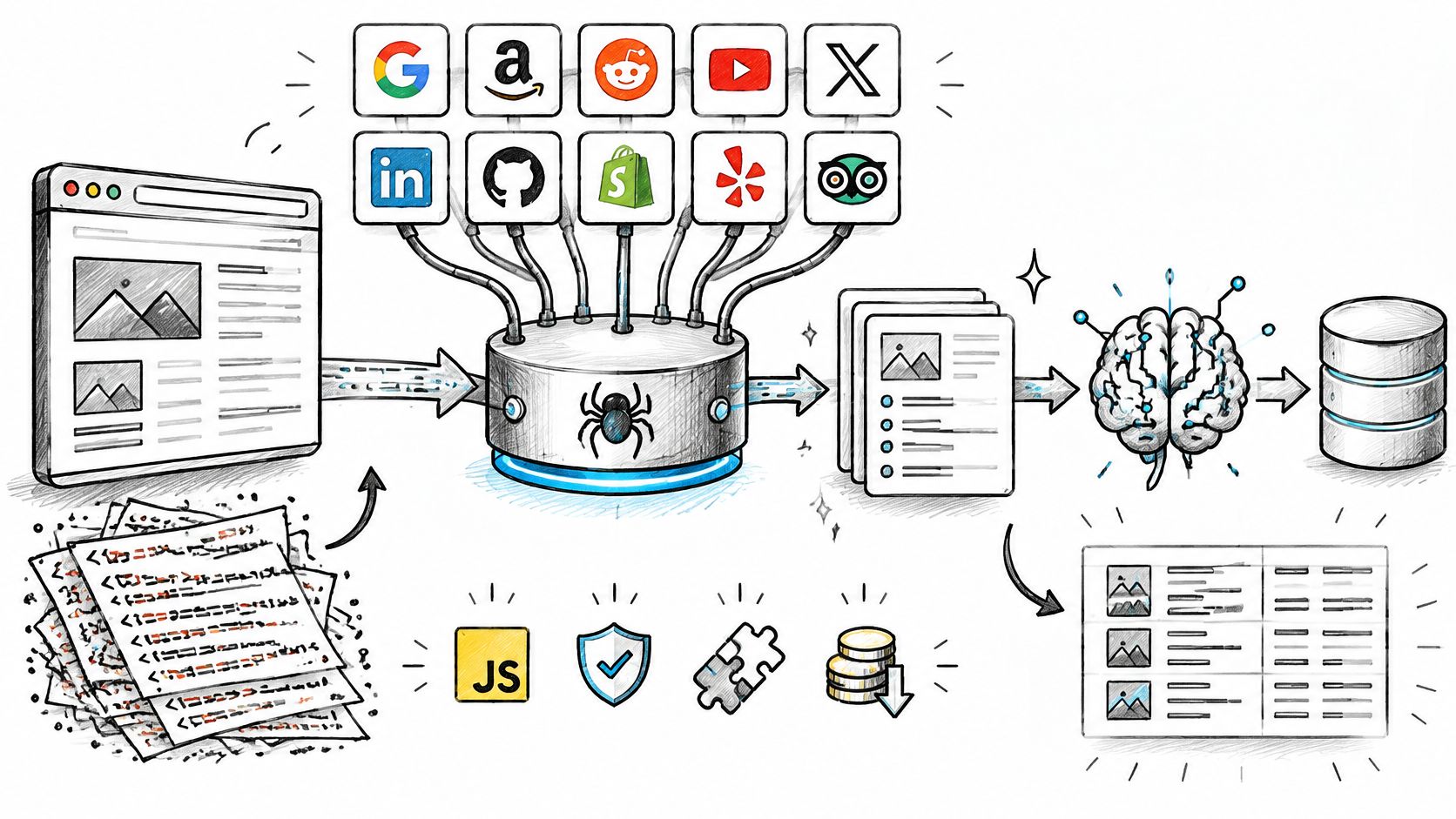
Scraping for AI isn't scraping for a spreadsheet. The consumer is a model with a fixed context window and no ability to skip junk, so the unit of value becomes a clean, attributable block of text or a validated JSON record. A 200 response containing 180KB of script tags is a failed request in this world.
That's why API-based collection is a mainstream choice rather than a shortcut. In Apify's State of Web Scraping report, 34.8% of surveyed developers said they favor scraping APIs, and 21.7% had built more than 20 scrapers in the previous year.
Any list of the 10 Best Web Scraping APIs for AI is only as good as the targets you test it against, so treat the order below as a shortlist, not a verdict. The comparison hinges on four things that decide your bill and your maintenance load: what the response looks like once it arrives, whether rendering and anti-bot handling are priced into the same request, how much parsing is left for you, and what a usable page costs at your volume.
Table of Contents
- 1. Context.dev
- 2. Firecrawl
- 3. Apify
- 4. Zyte API
- 5. Bright Data Web Scraper API
- 6. Oxylabs Web API
- 7. ScrapingBee
- 8. ScraperAPI
- 9. ZenRows
- 10. Jina AI Reader API
- 11. Diffbot
- How the 10 scraping APIs differ on AI output, free entry, and billing
- Choosing a Scraping API Your AI Stack Can Maintain
1. Context.dev
The console reflects the product's scope: scraping, structured extraction, and company records behind one credential.
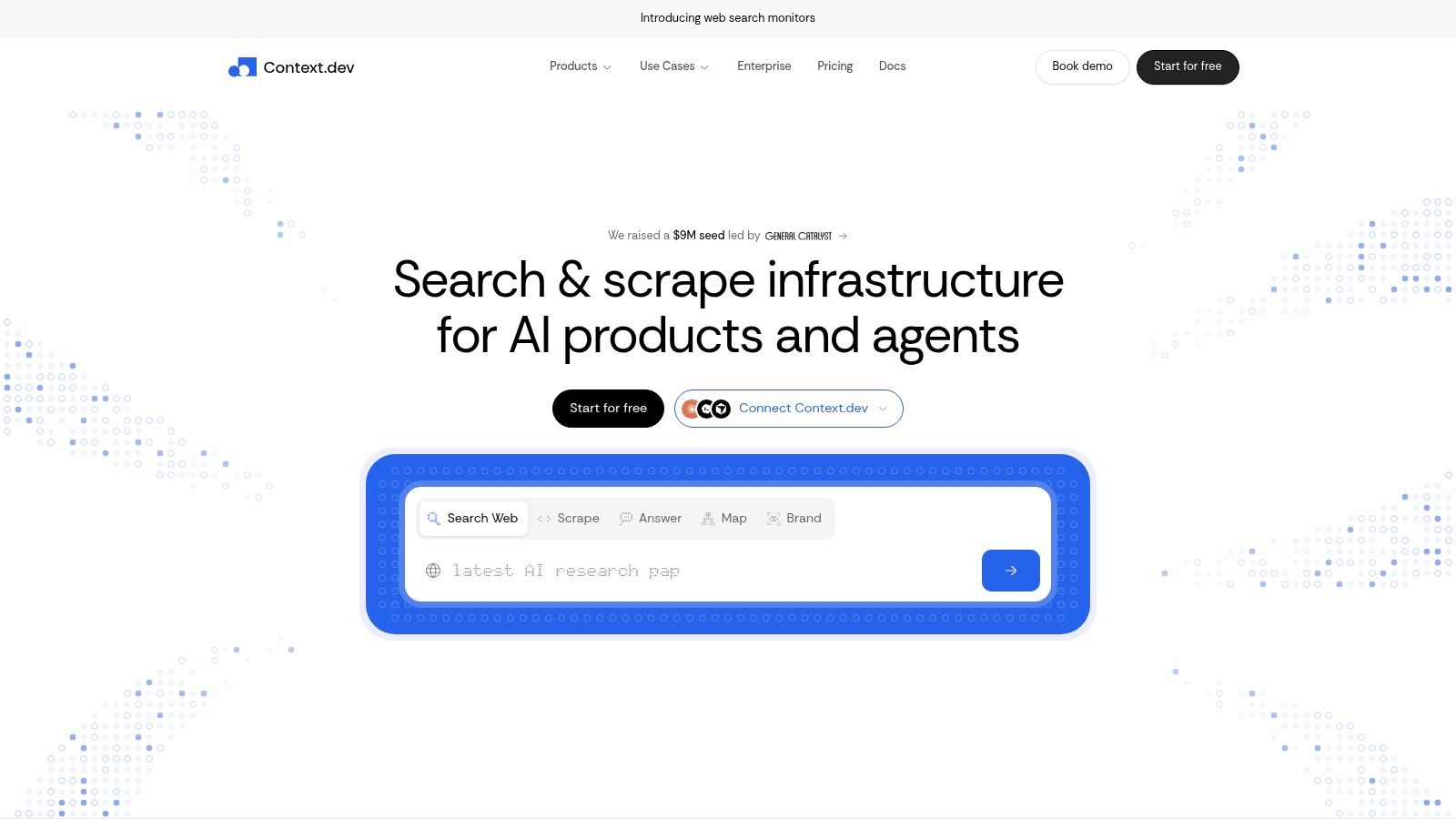
Context.dev treats the downstream consumer as the spec. Send a URL, pick a format, and get back rendered HTML, GitHub-flavored Markdown, an image manifest, a sitemap of indexed URLs, or a full-page screenshot. The Markdown path is where most retrieval teams end up, because it strips the chrome before the content reaches your chunker.
What the platform actually returns
Three capabilities do the heavy lifting for AI work.
- Schema-based extraction: the AI Query path returns custom entities and product records instead of HTML you still have to parse yourself.
- Brand records by identifier: pass a domain, email address, company name, or stock ticker and get logos, colors, typography and font files, social profiles, address, NAICS classification, and a short company description. Logo delivery runs through a global CDN with caching, so you aren't re-fetching assets on every page render.
- Transaction identification: messy merchant descriptors get mapped to real-world brands, which is the difference between a receipt feed you can analyze and a wall of strings.
SDKs cover TypeScript, Python, and Ruby. A free tier lets you test the API on your own URLs before you commit, which matters here because extraction quality varies more by target site than by vendor.
Where it fits and where it doesn't
If your agent needs live web access, or your pipeline needs fresh page content plus company context for onboarding and personalization, one API replaces what would otherwise be a scraper bolted to a logo lookup service bolted to a CRM enrichment script. That consolidation is the main argument. The trade-off is scope: if you need raw HTML from fifty pages once a quarter, you're paying for a context layer you won't touch, and a single-purpose reader will be simpler. Treat it as a web scraping api with an enrichment layer attached rather than a brand database that happens to fetch pages.
Test your extraction schema against your own fields before standardizing. Schema design, not fetching, is where most AI extraction projects lose accuracy.
2. Firecrawl
Firecrawl's output formats cover the common cases: Markdown for prompts, JSON for records, HTML when you want to own the parsing.
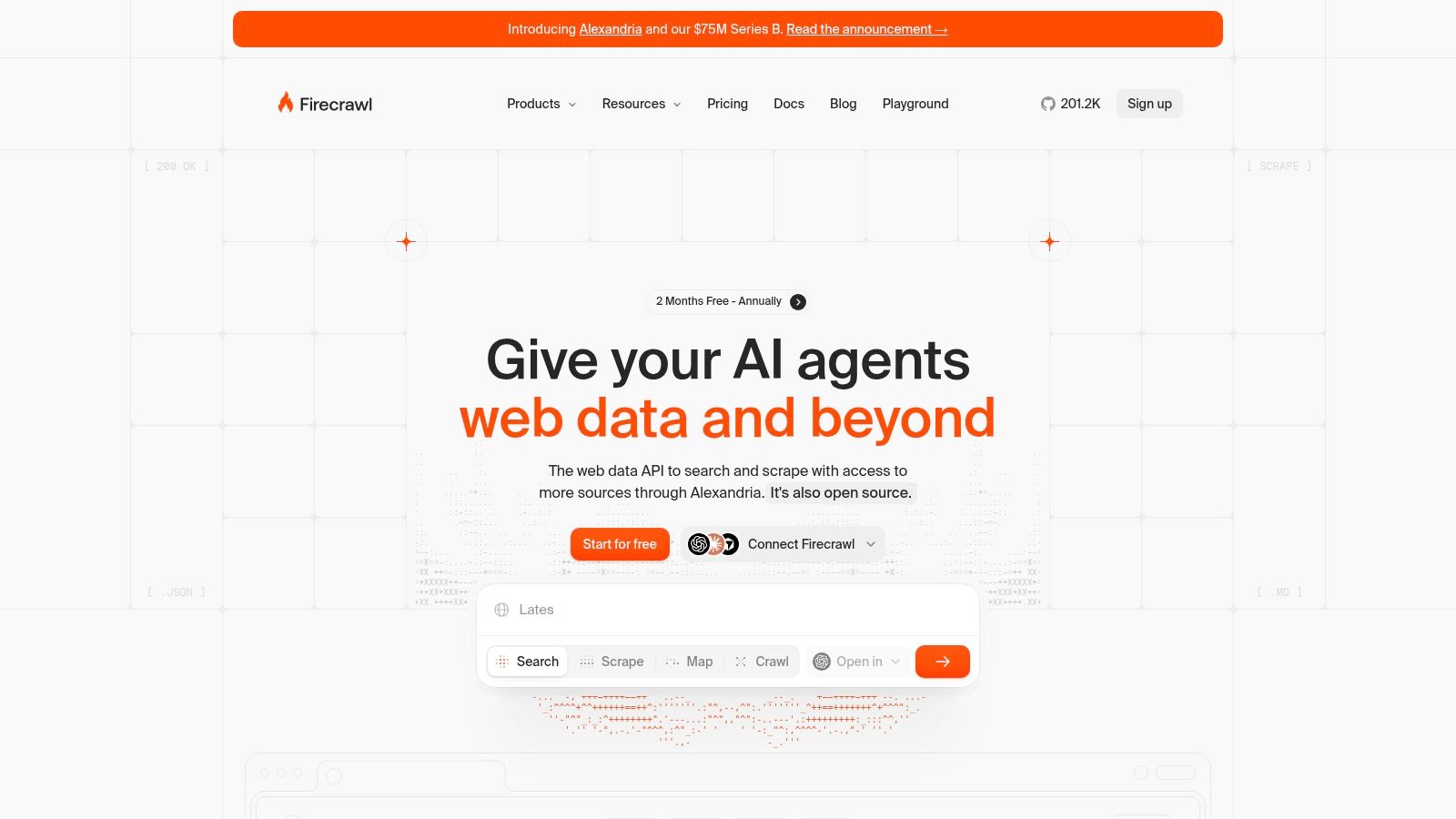
Firecrawl built its reputation on the crawl, not the fetch. Point it at a domain and it discovers linked pages, converts each one to Markdown, and returns metadata alongside the text, which is the shortest path from "a docs site" to "an indexed corpus". Single-URL scraping, site mapping, search, and schema-based JSON extraction live behind the same API, with SDKs and a self-hosting option for teams whose procurement blocks SaaS.
Crawling is where the compliance questions start
Recursive crawling multiplies the surface area of every access decision. The Robots Exclusion Protocol has given site operators a standard way to declare what automated clients may fetch since Martijn Koster proposed it in 1994, and it was finally published as RFC 9309 in September 2022, which also clarified how crawlers should handle errors and caching. Ask any crawling API three questions before you run it at scale: does it honor robots.txt on the paths you care about, can you cap request rate per host, and does it identify your client accurately.
Trade-offs: credit consumption varies by endpoint and feature, so the headline allowance isn't the page count you'll receive. A full crawler is also overkill when you need HTML from a dozen known URLs, and results on protected sites need testing against your own targets rather than a vendor claim. For teams whose real goal is being read and cited by answer engines, output quality beats crawl depth, and the same discipline shows up in these AI search optimization tools.
3. Apify
The Actor marketplace is the draw, and the same marketplace is the reason to read the fine print on compute.
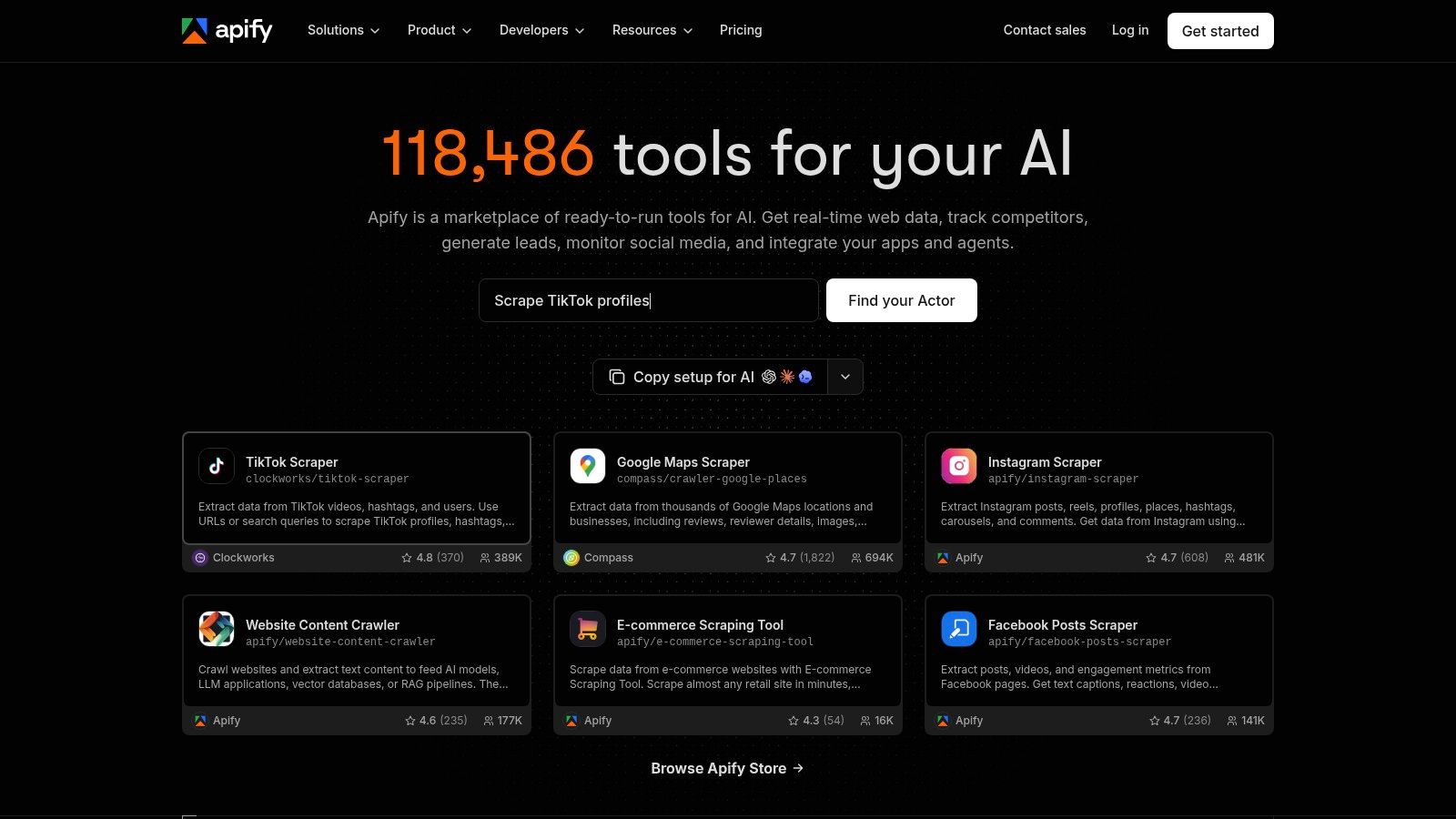
Apify isn't a scraping API in the same sense as the others. It's a compute platform with a marketplace of ready-made scrapers called Actors, and you rent the Actor rather than the HTTP request. That's a genuine advantage when your target is a site somebody already solved, and a genuine cost trap when the Actor you picked allocates more memory than the job needs, because you pay for compute time.
Pre-built scrapers and the legal question underneath
Actors make it easy to collect publicly accessible profile pages at scale. Public accessibility is not permission. The hiQ Labs dispute with LinkedIn is the reference point: the Ninth Circuit upheld an injunction against LinkedIn blocking hiQ from public profiles in 2019, the Supreme Court vacated and remanded after Van Buren in 2021, and in April 2022 the Ninth Circuit again affirmed the preliminary injunction, reasoning that publicly accessible pages differ from areas behind authentication under the Computer Fraud and Abuse Act. Read that narrowly. It's a ruling about access, not a license to train a model on whatever you retrieved.
Keep the Actor, then add your own gate.
- Log the source URL for every record, so a takedown request can be answered with a query instead of an archaeology project.
- Filter personal data at ingest, before it lands in a warehouse where retention rules get vague.
- Re-check Actor maintenance each quarter. Abandoned Actors fail without warning when a layout changes.
Free usage makes evaluation cheap. Budget for the parsing you'll still do afterward, since Actors return datasets more often than LLM-ready text.
4. Zyte API
Zyte's request controls are the part worth studying before you commit to a target list.
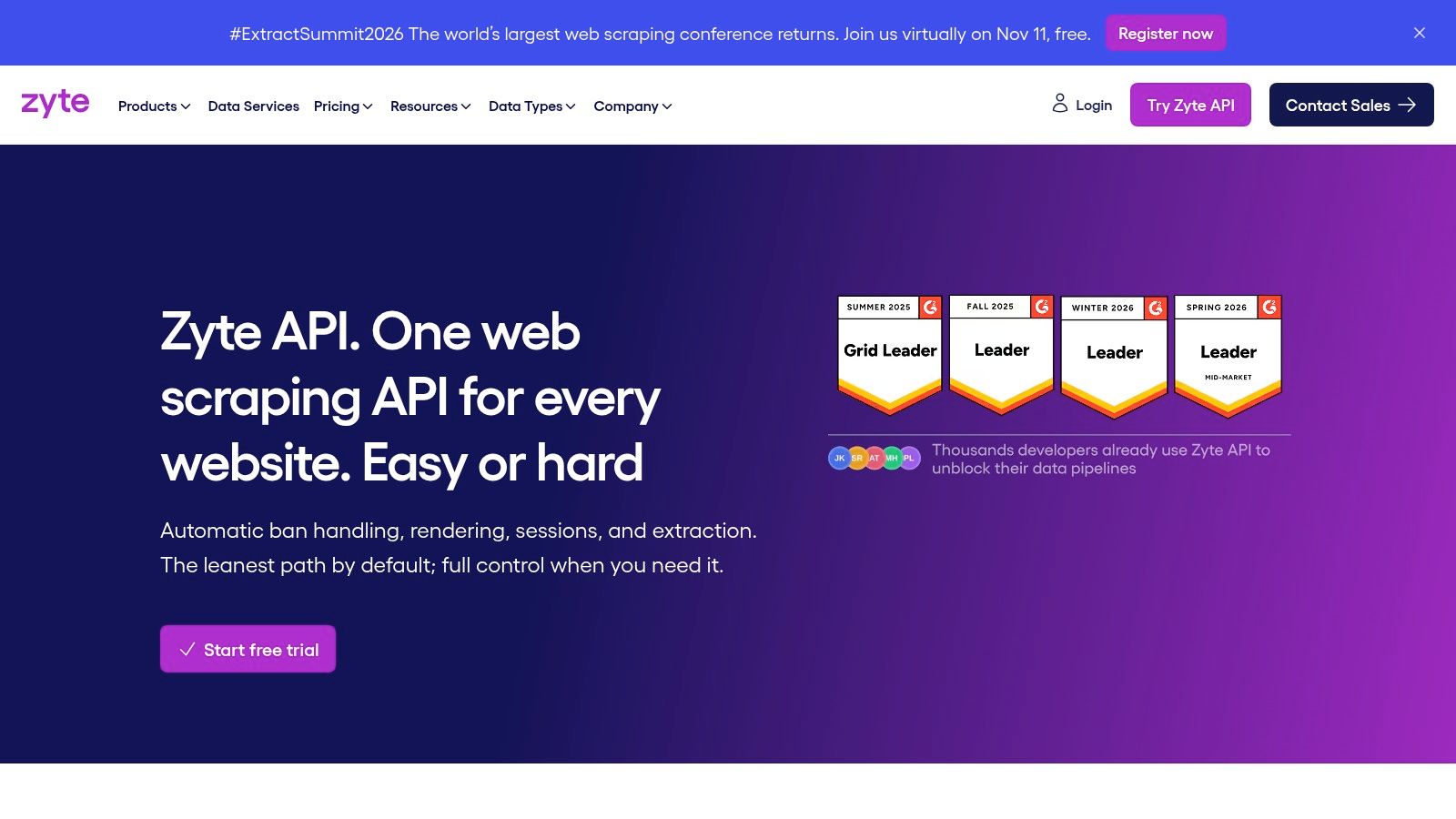
Zyte API's pitch is unglamorous and useful. One endpoint decides whether a page needs plain HTTP fetching or a rendered browser, handles bans, and bills you according to how hard the site is. Site-difficulty pricing is either the fairest model on this list or the hardest to forecast, depending on whether your targets are stable. A retailer that tightens its bot defenses in Q4 can move your cost per page without a single change on your side.
What the output looks like
Automatic extraction returns structured fields for supported page types, and custom attributes define fields the automatic path misses. You can still request the HTTP body or rendered HTML if you'd rather run your own parser than trust someone else's schema.
The Scrapy lineage helps. Zyte's team maintains the framework, so Python shops with existing spiders can point them at the API and keep their item pipelines intact instead of rewriting extraction from scratch.
Practical rule: when a vendor prices by site difficulty, your unit economics are only as stable as your target list. Model three scenarios (easy, typical, hostile) before you sign, and re-check the tier assigned to your top domains every quarter.
Trade-offs to weigh: browser rendering costs more than plain HTTP, per-site tiers turn cost modelling into a spreadsheet exercise, and the output sits closer to structured data than to Markdown. If your pipeline wants clean prose for an LLM, you write the HTML-to-text step yourself.
5. Bright Data Web Scraper API
The product surface is wide, which is both the appeal and the reason to scope a trial carefully.
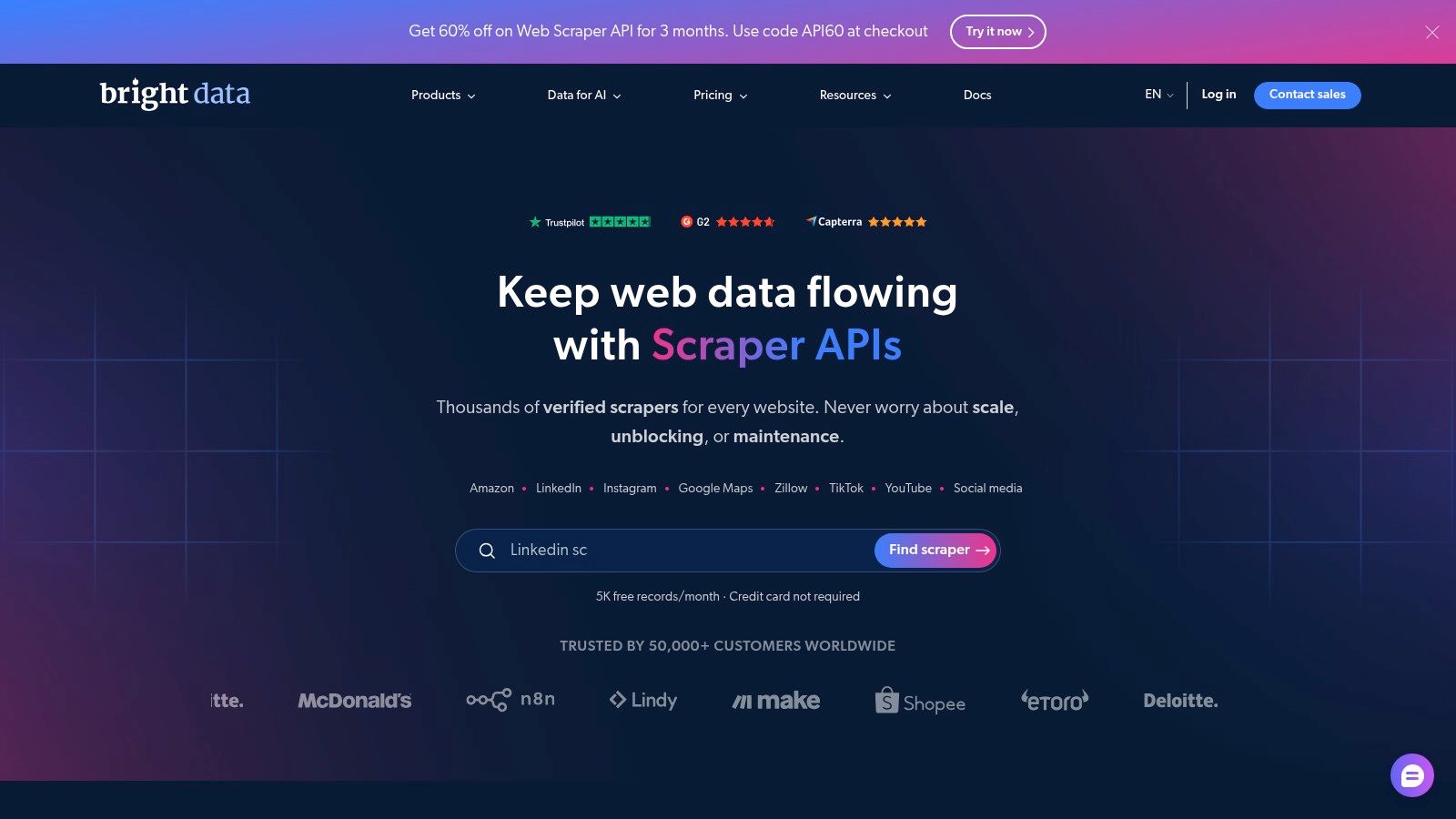
Bright Data's Web Scraper API is infrastructure with an API on top. Maintained scrapers for supported sites deliver JSON, NDJSON, or CSV, and behind them sit the proxy network, rendering, and unblocking stack that make those scrapers work on hostile targets. The company also describes AI-assisted scraper creation and self-healing, which is the most credible answer to the maintenance problem if it holds up on your sites.
Compliance is a product feature here, not a disclaimer
This is the vendor most likely to survive a procurement review, and that's a real selection criterion. OECD analysis of intellectual property issues in AI trained on scraped data notes that sites rely on both contractual safeguards such as terms of service and technical ones such as robots.txt, and that robots.txt may be neither legally enforceable nor technically binding depending on jurisdiction and facts. The same analysis points out that some bot categories, including AI search crawlers, rarely check robots.txt at all. Public accessibility is not a governance strategy.
Demand the same controls from every enterprise vendor: source URL retention, timestamps, raw response preservation, exclusion-list handling, regional processing, and a deletion workflow you can run.
Trade-offs: the platform is more than a small extraction job needs, and pricing should be modelled against records delivered rather than requests sent. Confirm your custom fields and delivery format in a trial, not a sales call.
6. Oxylabs Web API
Search and scrape endpoints under one credential remove a vendor and a failure mode from agent workflows.
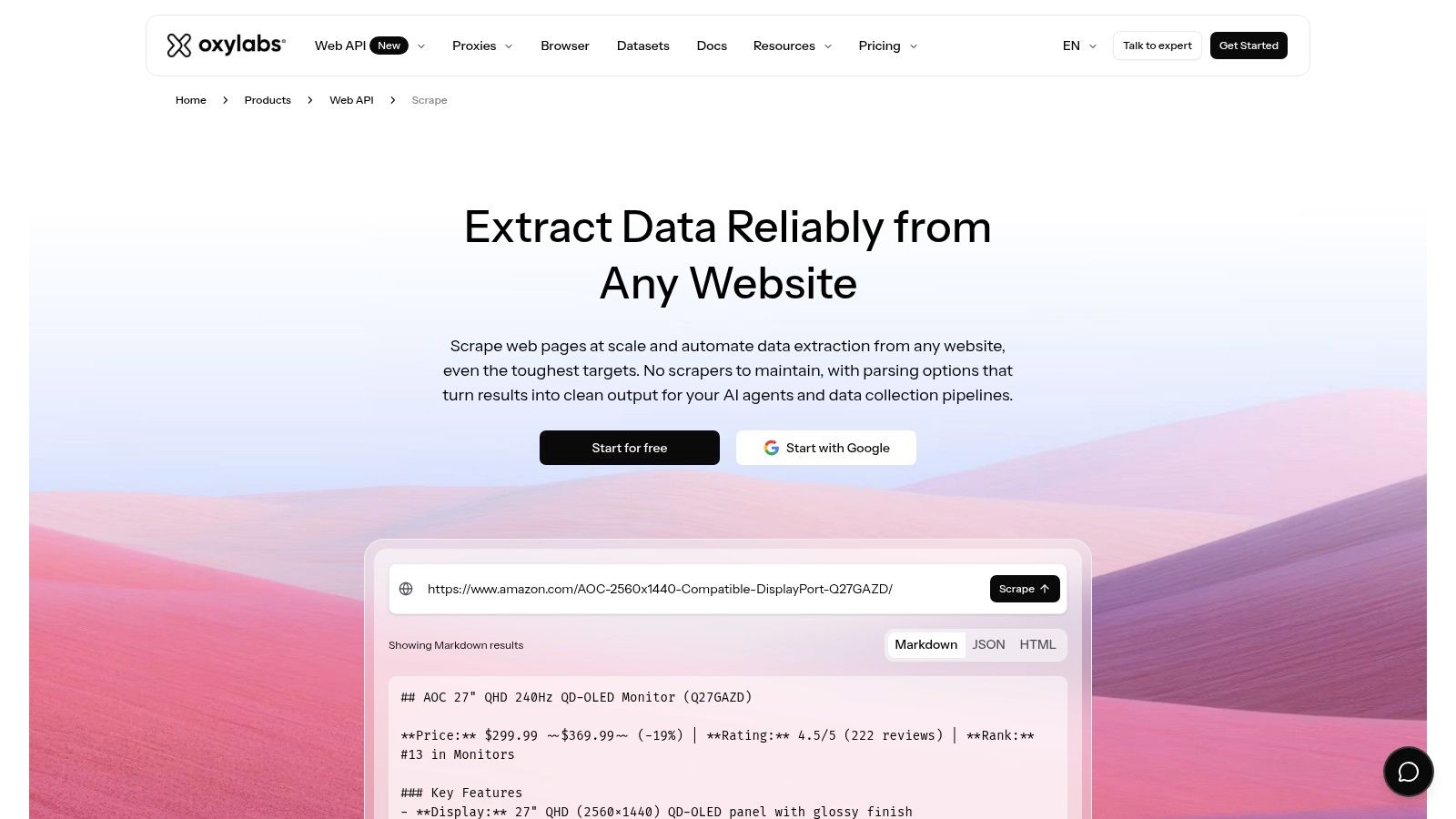
Oxylabs Web API pairs search endpoints with scrape endpoints in one product, which suits a specific pattern: an agent searches for candidate pages, then fetches the ones it picks. Most scraping APIs make you bring your own search layer.
AI parsing is the feature to test hardest. It returns structured output without a hand-written parser per site, exactly what you want when your target list grows faster than your engineering time. The catch is that failure is quiet. A field comes back empty or subtly wrong and nothing in the response flags it.
Run a field-level check before you trust it. Pull fifty pages, compare parsed values to the rendered text, and count mismatches by field rather than by page. A parser that's strong on price and weak on title is a different risk profile from the reverse, and a page-level accuracy score hides that difference.
Trade-offs: the product range takes time to map, AI parsing changes the cost per request, and required fields should be verified against your exact sources before you sign. The fit is strongest when search and scrape are both in scope for the same pipeline.
7. ScrapingBee
Rendering and proxy settings are parameters here rather than separate products, which keeps early integration short.
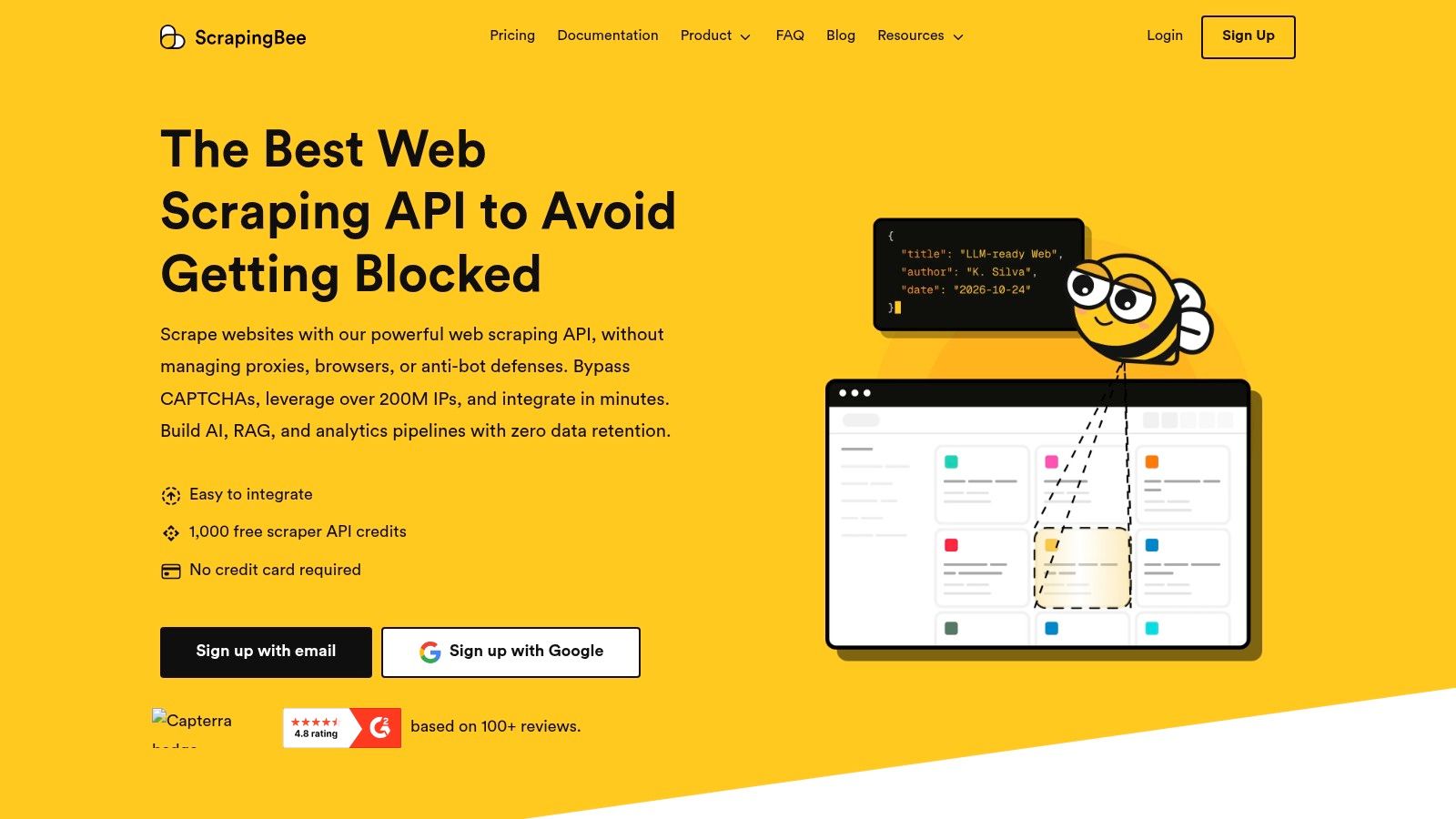
ScrapingBee is the one you reach for when you want the boring thing to work. Send a URL, get HTML, with JavaScript rendering and proxy selection as options rather than products. It handles client-side apps, geolocation, and custom JavaScript execution on the page, all useful when the content you need only exists after a click.
The AI layer sits on top of a conventional scraper rather than underneath it. An AI query mode and AI extraction let you describe the data you want instead of writing selectors, which saves hours on a one-off job and creates risk on a high-volume one, because those calls consume additional credits and accuracy moves page to page.
Where it breaks down: rendering plus premium proxy plus AI extraction can multiply the cost of a single page several times over. Model the worst case, not the base case, or your first invoice becomes the surprise.
Two limits matter before you commit. It's single-page scraping with no link following or site discovery, so building a corpus means supplying the URL list yourself. Fine when you have sitemaps, painful when you don't.
8. ScraperAPI
Request modes cover synchronous calls, async jobs, and proxy-style routing, so integration shape is flexible.
ScraperAPI's value is that it's predictable in shape, if not in cost. One request model in front of proxy rotation, retries, JavaScript rendering, and geotargeting, plus structured data endpoints for common targets. Teams that already own a parsing layer tend to like it, because it doesn't try to own the output.
The credit model is where budgets go wrong. Credits burn at different rates depending on target and parameters, so a plan's headline allowance is an upper bound on requests, not a page count. Rendered pages and protected sites cost more than plain fetches. Documentation describes charging for successful requests rather than system failures, which is the right policy, but "successful" means a 200 with content, not a page your extractor could use.
How I'd evaluate it
Run your URL list twice, once with rendering off and once with it on, and log credits consumed per usable document. That ratio tells you more than the pricing page does, because it folds retries and partial failures into one number you can put in a budget.
Weaknesses to accept going in: no native Markdown or structured company data, and some workflows still need a separate parsing step. The fit is teams with existing parsers and a mature proxy-and-rendering requirement, especially where routing control matters more than output format.
9. ZenRows
Fetching, extraction, crawling, and browser sessions share one credit pool, so mixed workloads need instrumentation.
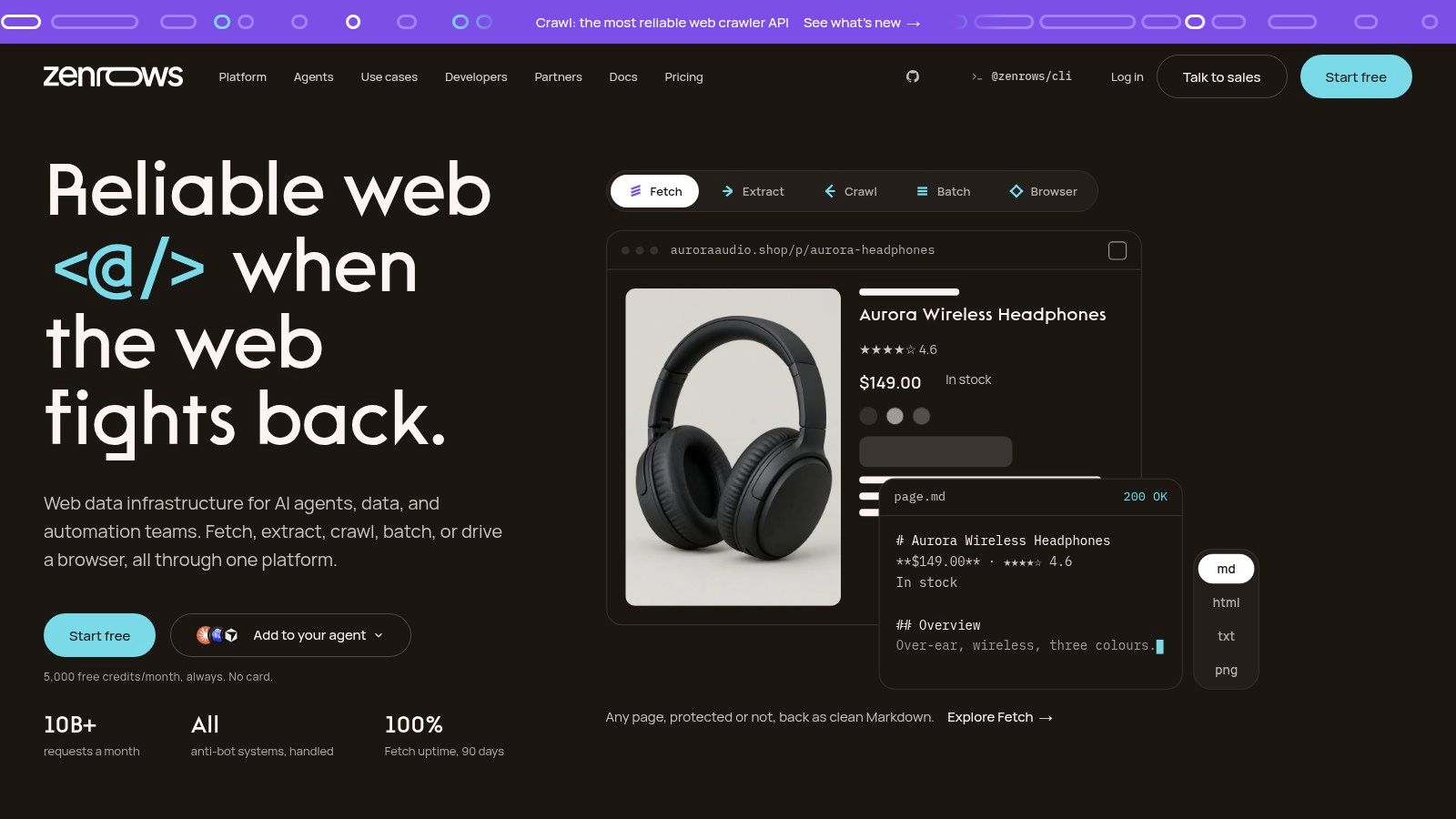
ZenRows sells unblocking first and everything else second. The toolkit grew around that core: fetching as HTML, Markdown, JSON, or a screenshot, automated extraction on supported pages, site crawls, asynchronous batch jobs for large URL lists, and browser sessions when you need to click, scroll, or hold state across requests. An MCP server connects it to compatible AI clients, which matters if your agent framework expects tools rather than REST calls.
Hard targets are where it earns trust. Cloudflare, DataDome, and similar defenses are why teams end up here, and browser sessions handle the interactive pages that break simple fetchers.
Cost warning: every convenience carries a credit price. Rendering, premium proxies, and browser sessions all consume more than a plain fetch, and a workload mixing them is hard to forecast from the pricing page. Instrument consumption per document from day one.
Verify that automatic extraction covers your specific targets, since support varies by page type. Browser workflows also add state and complexity compared with one-shot fetching, and you still own chunking and validation downstream. Used well, it sits alongside a Markdown-first API as the second vendor you route the protected tenth of your target list to.
10. Jina AI Reader API
A URL prefix and a Markdown body: the shortest integration on this list.
Jina AI Reader API is a single idea executed well. Prefix a URL and get back Markdown an LLM can read. Pages and PDFs both convert, browser rendering handles client-side content when needed, and you can call it without a key at a lower rate limit, which makes it the fastest way to test whether a source is worth indexing.
That's a narrower job than the rest of this list, and the limits follow. It isn't a crawler, so you bring the URL list. It doesn't do custom-field extraction, so structured records remain your problem. Token-based usage needs watching on long documents, because a 200-page PDF costs many times a normal article and the bill scales with content length rather than request count.
For a first pass over a corpus, setup time is hard to beat. Teams building retrieval over internal documents often start here and move to a heavier API only when they need crawling, scheduling, or field-level extraction. If that's your stage, the design decisions matter more than the vendor, and this guide to a knowledge base in artificial intelligence covers the chunking and retrieval choices a reader API can't make for you.
It earns a slot as the prototyping tool you may keep in production for low-volume, unpredictable URL fetches, even after you standardize elsewhere.
11. Diffbot
Page types are recognized automatically, which changes how much per-site work your team owns.
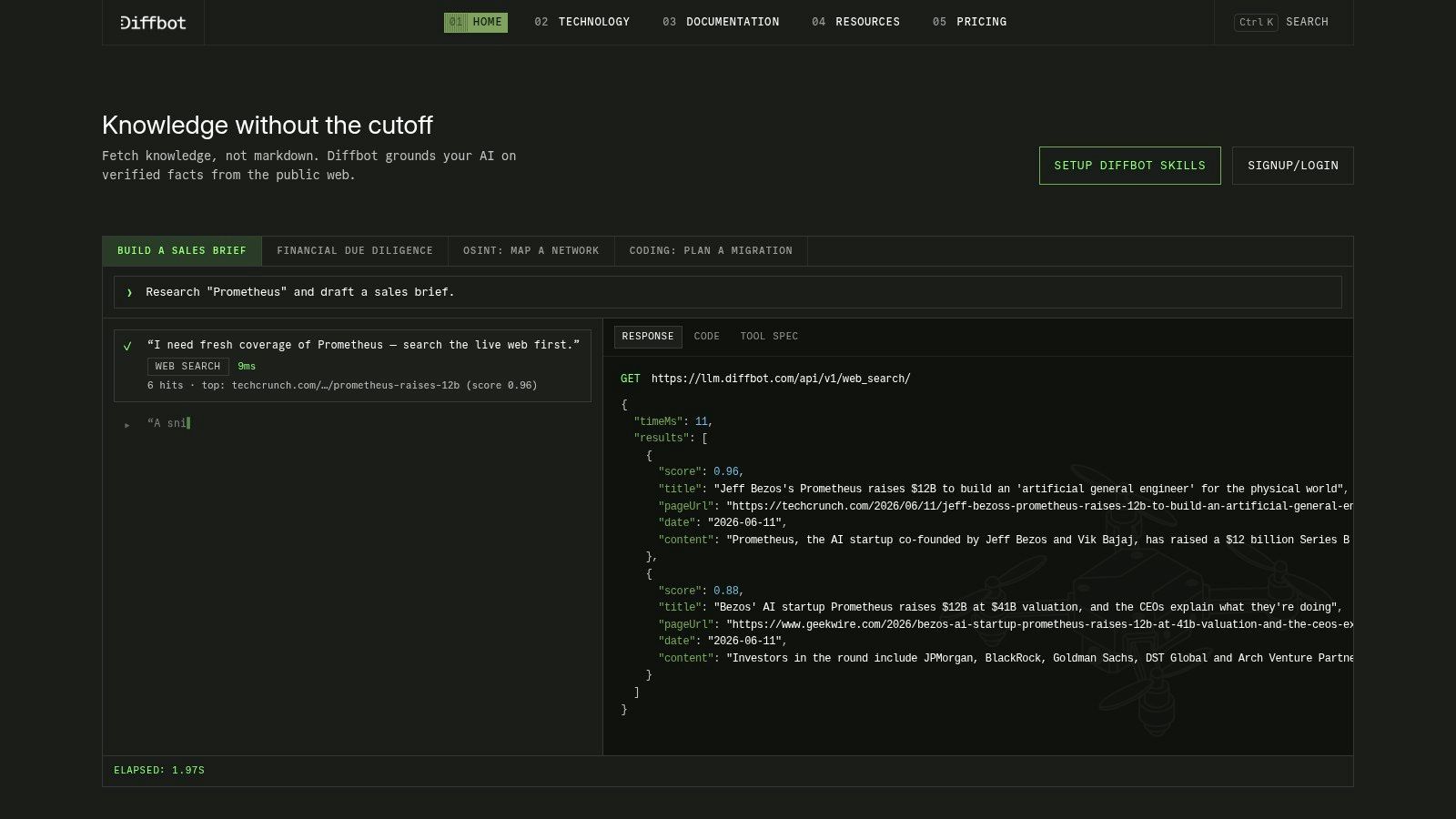
Diffbot inverts the usual model. Instead of returning content and letting you parse it, it classifies each page (article, product, discussion, job listing) and returns the fields that page type implies, using computer vision and machine learning rather than site-specific selectors. For a corpus spanning thousands of domains with mixed page types, that's the difference between one integration and a parser library.
The honest limit of automated extraction
Automatic extraction is excellent at schema discovery, classification, and recovery when a layout changes. It's weaker as the primary high-volume layer for fields where a wrong value is expensive. Practitioner analysis of web scraping trends and how businesses collect data makes the same point from the operational side: AI is useful for fallback extraction, page classification, and anomaly detection, but cost, latency, and undetectable hallucinations in fields such as prices, inventory, and IDs argue for deterministic parsing on the critical path.
The practical middle is a hybrid. Deterministic extraction for high-risk fields, model-based extraction for everything else, and a validation rule that flags a mismatch instead of indexing it.
Trade-offs: production plans are expensive relative to a reader API, the Crawl API sits on higher tiers, and coverage varies by page type, so verify required fields on real URLs. If you plan to license the resulting dataset, provenance matters as much as accuracy, and this guide on how to sell data covers what buyers ask for before they sign.
How the 10 scraping APIs differ on AI output, free entry, and billing
The comparison that matters for AI work is downstream: what the response gives an LLM or parser, how much rendering and anti-bot handling cost before a page becomes usable, and how much cleanup remains after delivery.
| Item | Best for | Free entry point | AI-specific feature | Billing basis |
|---|---|---|---|---|
| Context.dev | Live web context, company enrichment, and RAG data | Free tier with generous credits | AI Query for structured extraction; LLM-ready Markdown | Credit-based; free-tier credits cover a few hundred test URLs |
| Firecrawl | Crawling websites for RAG pipelines and AI agents | Free tier | Markdown and schema-based JSON output; web search and site mapping | Credits vary by endpoint and feature |
| Apify | Reusable scraping workflows and scheduled data jobs | Free usage | Integrations for AI workflows and data exports | Actor and resource usage |
| Zyte API | Managed scraping across sites with varied technical needs | Free credit for testing | Automatic structured extraction | Successful responses; cost varies by site and request type |
| Bright Data Web Scraper API | Larger-scale or demanding collection jobs | Small-scale testing options | AI-assisted scraper creation and self-healing | Records delivered; rate varies by target site |
| Oxylabs Web API | Live web search and scraping for agents and research | Introductory credit | AI parsing and custom parsing | Varies by target and feature |
| ScrapingBee | General-purpose scraping with AI-assisted extraction | Free credits for testing | AI query and AI extraction | Credits; AI, proxy, and rendering options affect usage |
| ScraperAPI | Managed scraping with proxies, rendering, and geotargeting | Small test-credit allowance | Structured data endpoints and AI-oriented integrations | Successful-request billing; credits vary by site and request parameters |
| ZenRows | Fetching, extraction, crawling, and browser sessions | Free plan | MCP server connects web access to compatible AI tools | Credit usage varies by rendering, proxy, and browser choices |
| Jina AI Reader API | Turning pages and PDFs into readable content for RAG | Keyless use at a lower rate limit | LLM-friendly Markdown conversion | Token-based usage |
| Diffbot | Structured extraction across varied page types | Free plan | Machine-learning and computer-vision page classification and extraction | Higher paid production tiers; Crawl API sits above entry plans |
Choosing a Scraping API Your AI Stack Can Maintain
Three questions settle most of this. What must the response contain? Raw HTML if you already own a parser, Markdown if the consumer is a model, structured JSON if the consumer is a database or a UI. Does the target need rendering? Every API here charges more for a browser, so route by need instead of defaulting to rendering everywhere. What's your volume? Under a few thousand pages a month, setup time dominates and a reader API wins; above that, cost per usable page and observability dominate.
Then run a bake-off. Take 20 to 50 of your own target URLs, mix static pages, JavaScript apps, and anything behind bot protection, and push them through two or three finalists. Measure three things: extraction accuracy on the fields you care about (not page-level pass or fail), failure rate at the concurrency you expect in production, and cost per usable document including retries.
The spread between providers is wider than marketing implies. A 2026 benchmark covering 17 APIs across 100 bot-protected sites found the leading provider at a 98.6% success rate across 493 of 500 requests with a 4.24-second latency score, while the second-ranked provider reached 94.0% and 5.08 seconds. Architecture and configuration move that number as much as brand does, which is why a vendor's headline success rate rarely survives contact with your target list.
A nominally cheaper API that fails one page in five and needs two retries costs more per usable input to an LLM than a pricier one that succeeds. That's the calculation to put in front of whoever approves the invoice, not the subscription line.
What to monitor after launch
Credit consumption per verified document is the metric that reveals shifts. Track it weekly and alert when it moves without a change on your side, because a site's defenses tightening shows up there before it appears in your retrieval quality scores. Watch failure rate by domain too, since one target degrading can poison a category of answers.
Re-test quarterly. Site changes affect both quality and cost, and the tooling moves quickly. A 2026 systematic review in Springer's computing journal analyzed 91 high-quality studies on large language models applied to web scraping and crawling, and 84% of them appeared in 2024-2025. That's a research base younger than most of the contracts you'll sign, so assume today's ranking needs revisiting next year.
Keep one fallback vendor warm with a small monthly spend. When your primary API starts failing on a domain you depend on, you want a tested route already in place rather than a procurement cycle.
If you'd rather start from a curated shortlist than build one, The SaaS Hub has evaluated over 1000 apps and vets tools on performance and reliability, support quality, value for money, and integration quality, so you spend your evaluation time on the bake-off instead of the longlist. Browse the research and comparisons in The SaaS Hub's software directory, shortlist two APIs that match your output format and rendering needs, and put 30 of your own URLs through both this week.